In 2026, AI technology has completely changed the way we edit and restore photos. Whether you want to fix blurry selfies, restore old family pictures, or upscale low-resolution images for social media, AI photo enhancer apps can now do it in seconds.
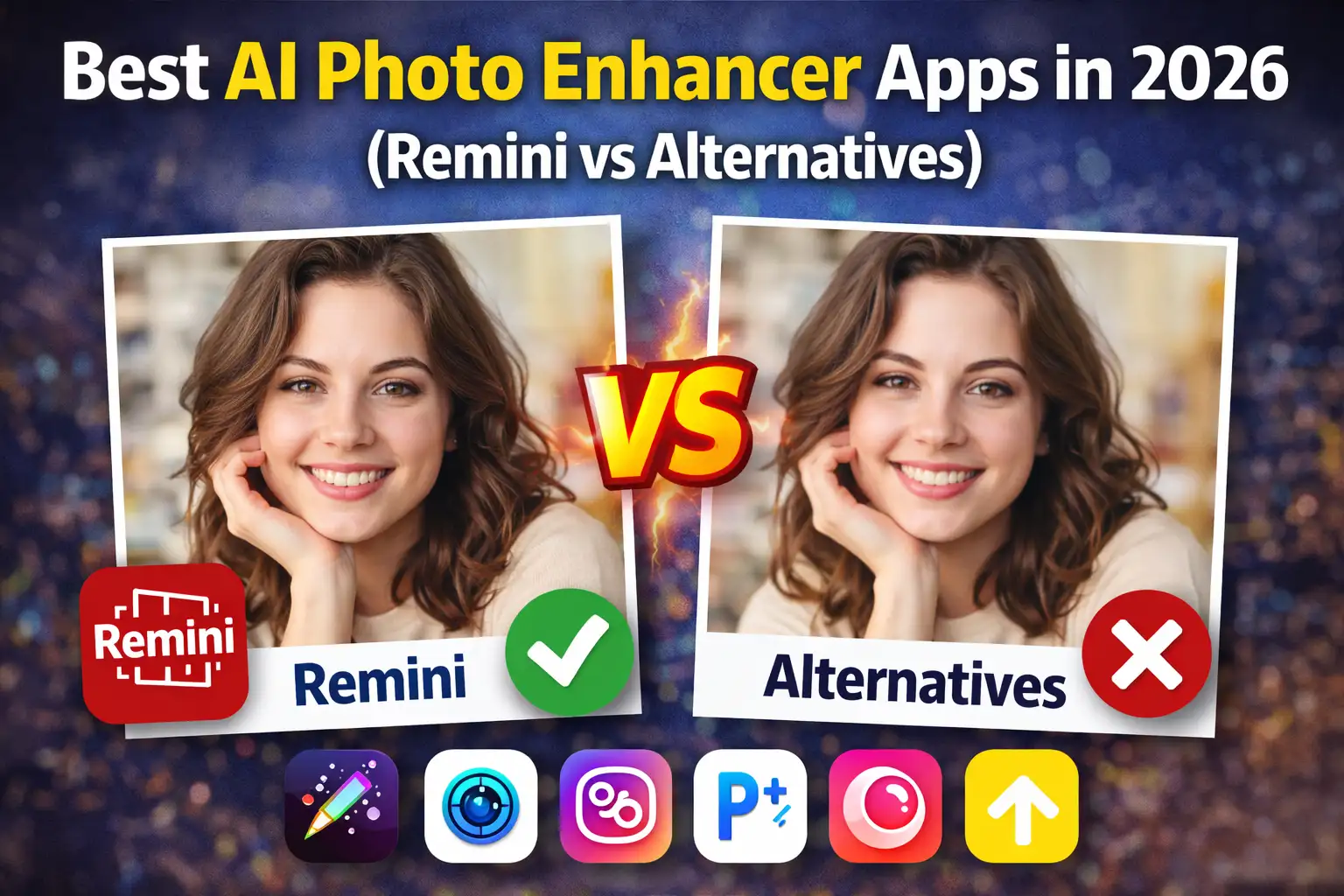
If you are confused about which app to choose, this guide on Best AI Photo Enhancer Apps in 2026 (Remini vs Alternatives) will help you decide.
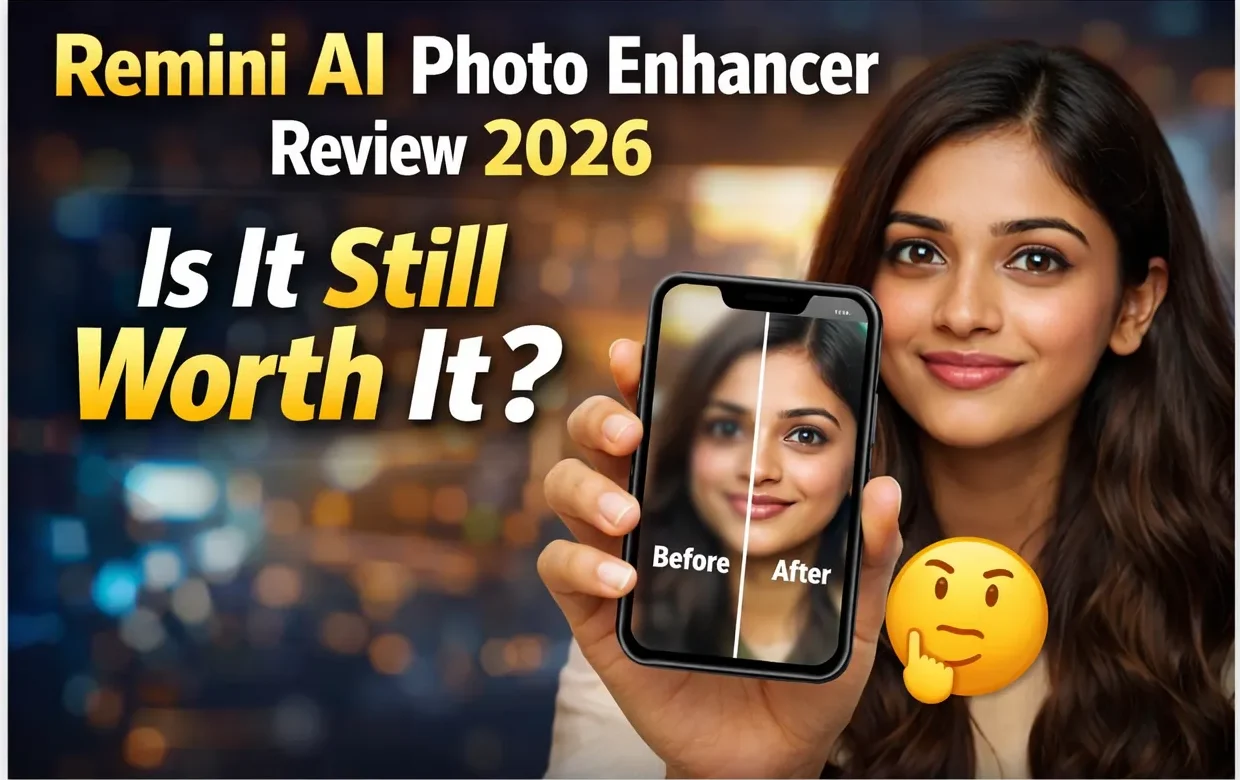
1️⃣ Remini – Still the King?
Remini is still one of the most popular AI photo enhancer apps in 2026. It became famous for turning blurry photos into sharp HD images using advanced deep learning models.
🔹 Key Features:
- AI face enhancement
- Old photo restoration
- Video enhancement
- One-tap auto improve
🔹 Pros:
- Excellent facial detail recovery
- Easy to use
- Fast processing
🔹 Cons:
- Ads in free version
- Premium subscription required for full access
If your main goal is restoring old photos or improving selfies, Remini is still one of the best choices.
2️⃣ Adobe Photoshop Express – Professional Touch
Adobe Photoshop Express now integrates AI enhancement tools that automatically fix lighting, sharpness, and noise.
🔹 Best For:
- Users who want both manual editing and AI support
- Social media creators
It gives you more control than Remini but may feel slightly complex for beginners.

3️⃣ Fotor AI Enhancer – Budget Friendly Option
Fotor offers AI photo sharpening, color correction, and background enhancement.
🔹 Why Choose Fotor?
- Web version available
- Affordable premium plans
- Good for landscape enhancement
It may not be as strong as Remini for faces, but it works great for general image improvement.
4️⃣ YouCam Enhance – Best for Portraits
YouCam Enhance focuses mainly on portrait and selfie enhancement.
🔹 Highlights:
- Skin smoothing
- Face reshaping
- AI upscale
If you are into Instagram or content creation, YouCam Enhance is worth trying.
5️⃣ Topaz Photo AI – Advanced Desktop Power
Topaz Photo AI is a desktop-based AI photo enhancer designed for serious photographers.
🔹 Features:
- Noise reduction
- Super resolution
- Motion blur correction
It’s more expensive but delivers professional-grade results.
🔍 Remini vs Alternatives – Which One Should You Choose?
Here’s a quick comparison:
| Feature | Remini | Photoshop Express | Fotor | YouCam | Topaz |
|---|---|---|---|---|---|
| Face Enhancement | ⭐⭐⭐⭐⭐ | ⭐⭐⭐ | ⭐⭐⭐ | ⭐⭐⭐⭐ | ⭐⭐⭐⭐ |
| Ease of Use | ⭐⭐⭐⭐⭐ | ⭐⭐⭐ | ⭐⭐⭐⭐ | ⭐⭐⭐⭐ | ⭐⭐ |
| Price | Medium | Medium | Affordable | Medium | High |
| Professional Use | Limited | Good | Basic | Basic | Excellent |
👉 Final Verdict:
- For beginners & quick fixes: Remini
- For professionals: Topaz Photo AI
- For budget users: Fotor
- For selfie lovers: YouCam Enhance

🧠 Are AI Photo Enhancer Apps Worth It in 2026?
Absolutely. AI photo enhancer apps save time and effort. Instead of manually adjusting sharpness, brightness, and clarity, AI handles everything automatically.
However, always remember:
- Free versions come with ads or watermarks.
- Premium subscriptions unlock full features.
- AI works best on clear faces and moderately blurry photos.
📌 Conclusion
Choosing the Best AI Photo Enhancer Apps in 2026 (Remini vs Alternatives) depends on your needs. If you want the easiest and fastest solution, Remini still leads the market. But if you need professional control or desktop-level power, alternatives like Topaz Photo AI may be better.