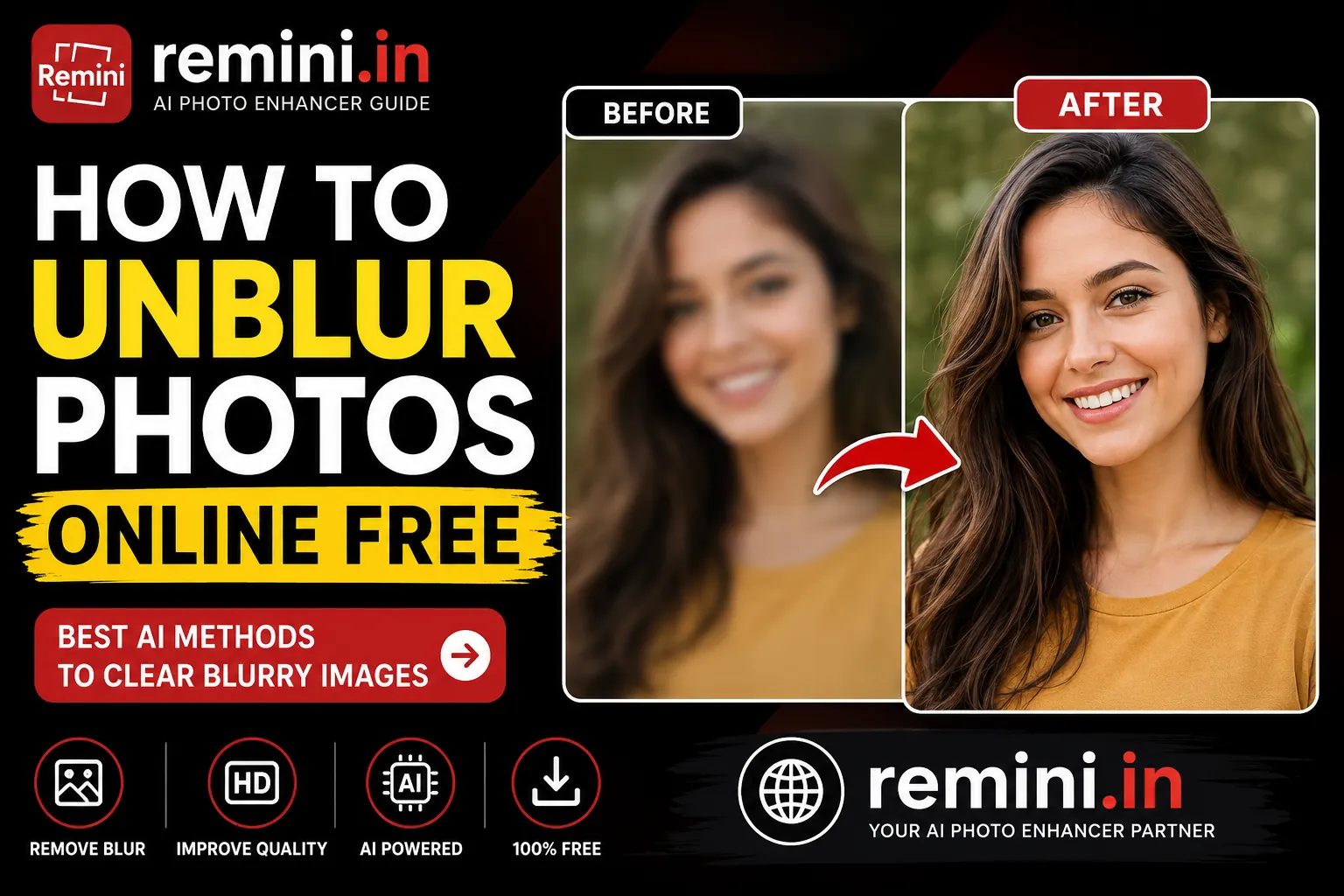
Blurry photos can ruin important memories. Sometimes the picture is old, sometimes the camera shakes, and many times the image quality becomes poor after sharing on social media apps. The good news is that you can now unblur photos online free using advanced AI tools without needing professional editing skills.
In 2026, AI image enhancement tools have become extremely powerful. They can sharpen faces, improve details, restore old pictures, and even convert low-quality images into HD quality within seconds. Many users use these tools for personal photos, WhatsApp profile pictures, Instagram uploads, passport photos, and old family memories.
If you are searching for the best way to fix blurry photos online for free, this guide explains everything step by step.
What Does “Unblur Photos Online” Mean?
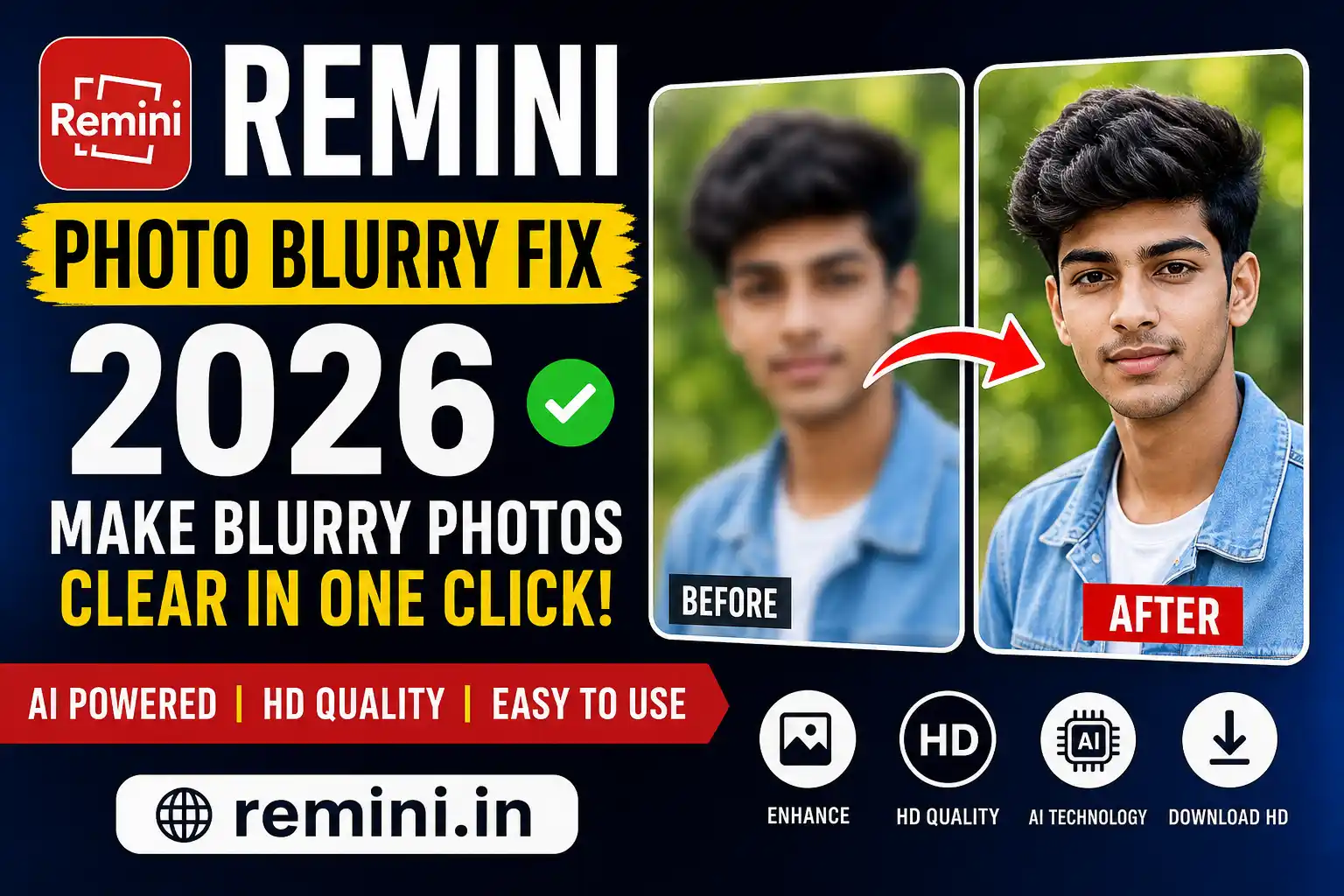
Unblurring a photo means improving the sharpness and clarity of an image. AI tools analyze the pixels in your image and rebuild missing details using machine learning technology.
Modern AI photo enhancers can:
- Remove blur from images
- Improve face quality
- Increase sharpness
- Restore old photos
- Upscale low-quality images
- Fix compressed WhatsApp images
Today, many websites and apps can automatically do this in seconds.
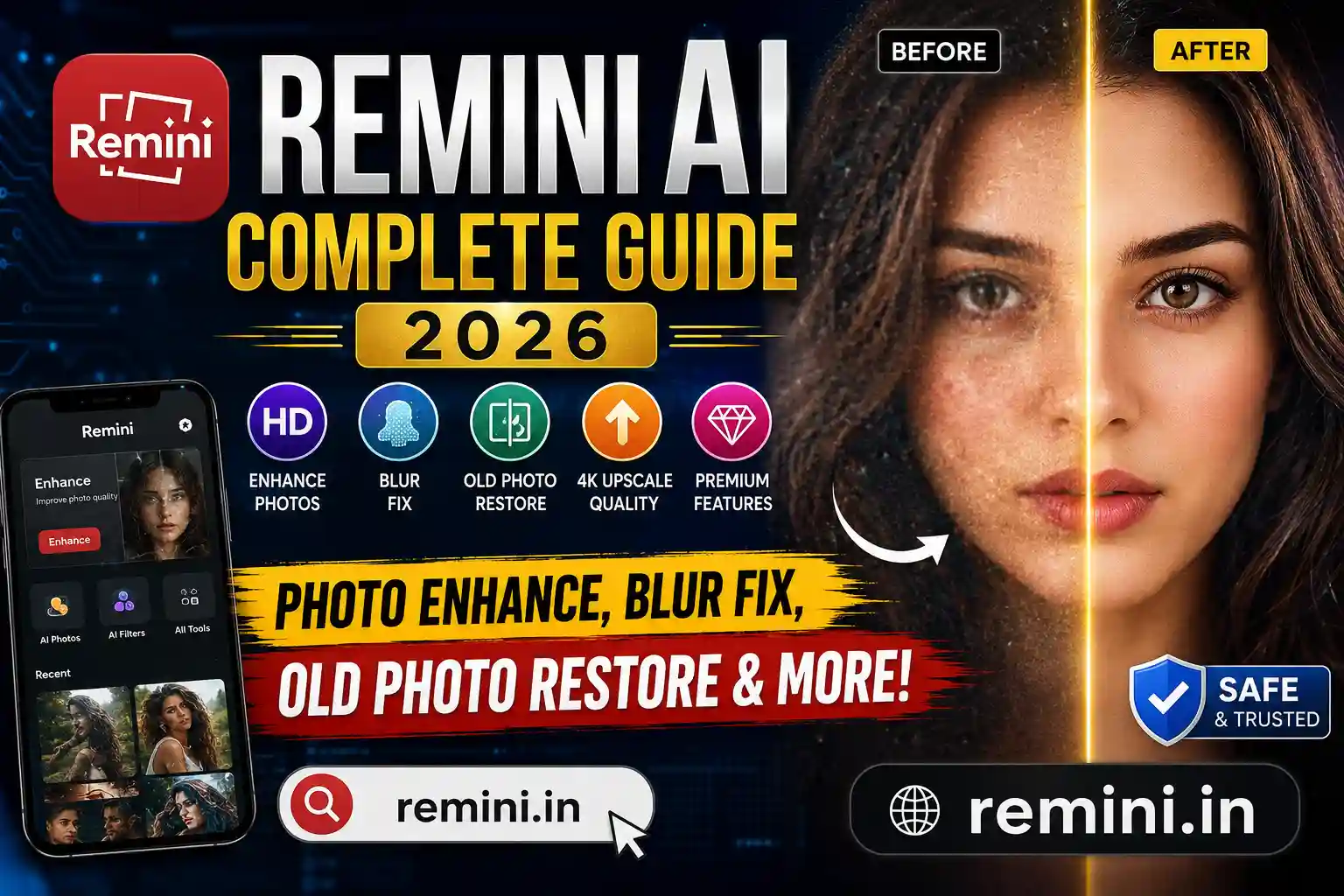
Read also: Remini AI Complete Guide
Why Photos Become Blurry
There are many reasons why photos lose quality:
Camera Shake
If your hand moves while taking a photo, the image becomes blurry.
Low Light
Night photos often lose sharpness because of poor lighting.
Old Photos
Scanned photos from albums usually lose detail over time.
Social Media Compression
Apps like WhatsApp and Instagram compress photos heavily.
Low-Resolution Cameras
Some older phones capture low-quality images.
This is where AI image enhancer tools become useful.
Best Ways to Unblur Photos Online Free
There are several free methods available online. Some work instantly while others provide advanced editing options.
1. Use AI Photo Enhancer Tools
AI photo enhancer websites are currently the easiest solution. You upload the blurry image and the AI automatically improves the quality.
Popular features include:
- Face enhancement
- Noise removal
- HD upscaling
- Detail sharpening
Read also: Best AI Photo Enhancer
2. Use Remini AI
One of the most popular tools in 2026 is Remini AI. It is widely used to restore blurry selfies, old family photos, and social media pictures.
Benefits of Remini:
- Fast enhancement
- Mobile friendly
- AI face correction
- HD quality output
Many creators and influencers use it for profile photos.
Read also: Remini AI Photo Enhancer Guide
How to Unblur Photos Online Free Step by Step
Follow these simple steps:
Step 1: Open an AI Enhancer
Choose a trusted AI image enhancement website or app.
Step 2: Upload Your Photo
Select the blurry image from your phone or computer.
Step 3: Start AI Enhancement
The tool scans the image and improves quality automatically.
Step 4: Compare Before and After
Most tools show both versions so you can check the improvement.
Step 5: Download the HD Photo
Save the enhanced image to your device.
The complete process usually takes less than one minute.
Can AI Really Fix Blurry Images?
Yes, modern AI tools are surprisingly effective. They do not simply sharpen the image. Instead, AI predicts missing details using trained image models.
This technology works best for:
- Human faces
- Portrait images
- Selfies
- Old photographs
- Social media photos
However, extremely damaged images may still have limitations.
Best Uses of AI Unblur Tools
Improve WhatsApp Photos
WhatsApp compresses photos heavily. AI tools can restore some lost quality.
Restore Old Family Pictures
Many users restore wedding albums and childhood memories using AI enhancement.
Enhance Instagram Pictures
Creators use AI tools to make photos sharper before posting.
Fix Passport Photos
Blurred passport or ID photos can often be improved for better visibility.
Read also: AI Photo Upscale 4K
Free vs Premium AI Enhancer Tools
Free tools usually offer:
- Basic enhancement
- Limited downloads
- Watermarks
Premium versions provide:
- Faster processing
- Higher resolution
- No watermark
- Advanced AI models
For normal users, free tools are often enough.
Tips for Better Results
To get the best enhancement:
- Upload the original photo if possible
- Avoid screenshots
- Use higher resolution images
- Crop unnecessary background
- Use portrait photos for better face enhancement
These small improvements can greatly increase AI output quality.
Is It Safe to Upload Photos?
Most popular AI tools use secure servers, but you should still avoid uploading:
- Sensitive documents
- Private IDs
- Confidential images
Always use trusted platforms with good reputation.
Future of AI Photo Enhancement
AI image enhancement technology is improving rapidly. In the future, tools may:
- Restore extremely damaged photos
- Generate missing details more accurately
- Improve videos in real time
- Convert old black-and-white images into realistic color photos
The AI photo editing industry is growing very fast in 2026.
Read also: Restore Old Photos
Final Words
If you want to unblur photos online free, AI tools are now the easiest and fastest solution available. Whether your image is old, compressed, or low quality, modern AI can significantly improve the sharpness and clarity within seconds.
For best results, use high-quality original images and trusted AI photo enhancer tools. With the rise of AI technology, photo restoration has become accessible for everyone without professional editing skills.
FAQs
You can use AI photo enhancer tools that automatically sharpen and improve blurry images online.
Many users prefer Remini AI because of its strong face enhancement and photo restoration features.
Yes, modern AI tools can restore old photographs and improve details significantly.
Yes, AI upscaling tools can increase image resolution and improve overall quality.
Most trusted tools are safe, but avoid uploading sensitive or private documents online.
📖 Read Also
1️⃣ Remini AI Photo Enhancer
2️⃣ Best AI Photo Enhancer
3️⃣ AI Photo Upscale 4K
4️⃣ Restore Old Photos
5️⃣ Remini AI Complete Guide