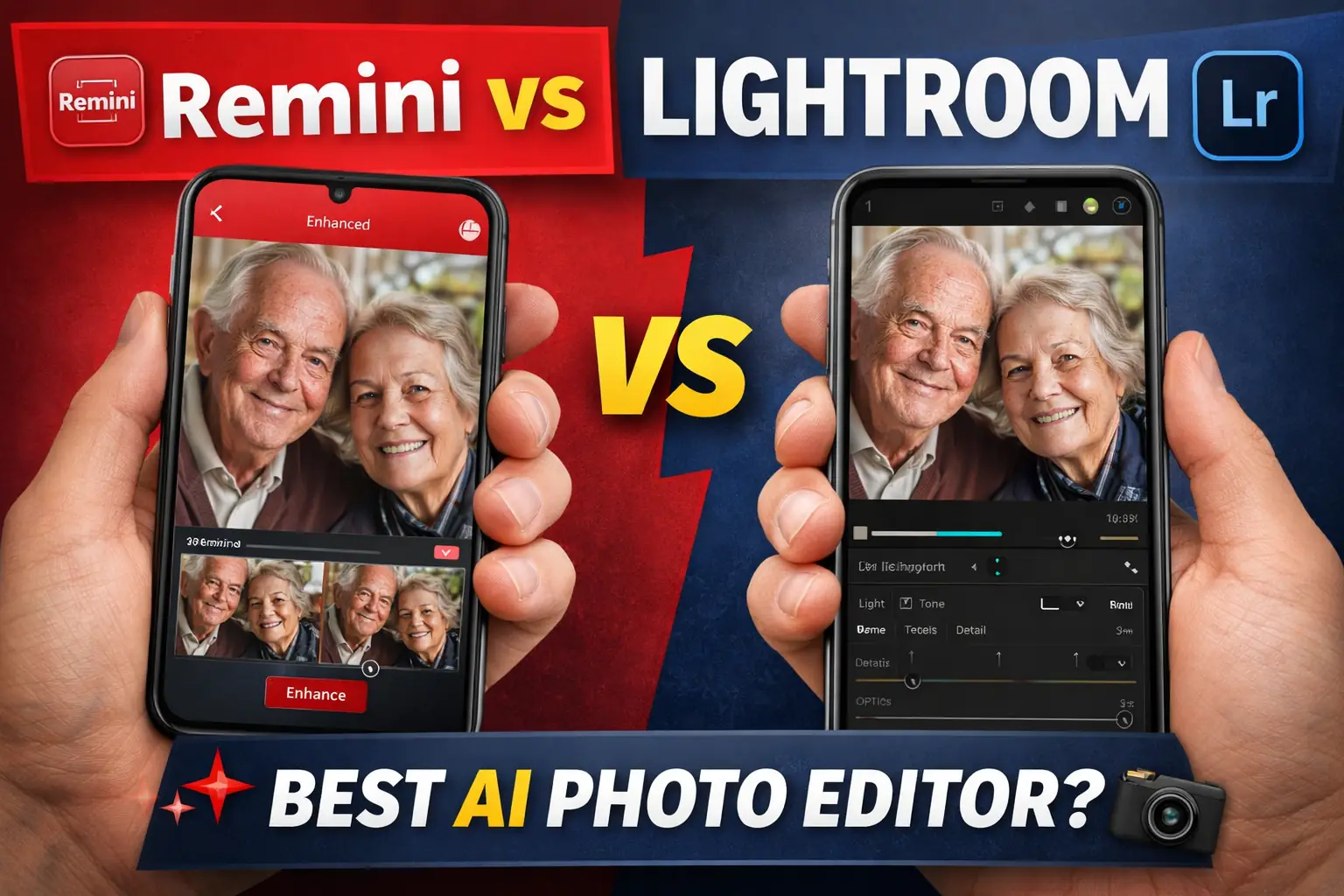
When it comes to AI photo editing, the biggest debate in 2026 is Remini vs Lightroom AI. Both apps are powerful, but they serve very different purposes.
👉 Read also: Remini App Complete Guide
If you are confused about which one is better for your needs, this guide will give you a clear, real-world comparison.
📸 What is Remini?
Remini is an AI-powered photo enhancer that focuses on:
- Fixing blurry images
- Enhancing facial details
- Restoring old photos
- Upscaling low-quality images
👉 Read also: Remini AI Photo Enhancer Guide
It uses advanced AI to automatically improve photos with just one click.
🎨 What is Lightroom AI?
Lightroom AI (Adobe Lightroom with AI features) is a professional photo editing tool.
It offers:
- Advanced color grading
- Exposure control
- AI masking tools
- RAW photo editing
Unlike Remini, Lightroom gives manual control over editing.
⚡ Key Difference Between Remini vs Lightroom AI
| Feature | Remini | Lightroom AI |
|---|---|---|
| Ease of Use | Very Easy | Moderate |
| AI Enhancement | Strong | Limited |
| Manual Editing | No | Yes |
| Photo Restoration | Excellent | Basic |
| Professional Tools | No | Yes |
👉 In simple words:
- Remini = Automatic AI magic
- Lightroom = Professional editing control
🔍 Image Quality Comparison
Remini Quality
- Excellent for faces
- Sharp AI-generated details
- Best for old or blurry photos
👉 Read also: Restore Old Photos
But sometimes:
- Can look over-processed
- Artificial sharpness
Lightroom AI Quality
- Natural and realistic
- Better color control
- Professional output
But:
- Requires skill
- Time-consuming
🚀 Performance & Speed
Remini:
- Fast processing
- Works online
- Depends on server
Lightroom:
- Works offline
- Faster on high-end devices
- No server dependency
👉 If your Remini app not working, check this fix:
Read also: Remini App Not Working Fix
💰 Pricing Comparison
Remini:
- Free with limitations
- Premium subscription required
Lightroom:
- Paid (Adobe subscription)
- More expensive
👉 Remini is cheaper for casual users.
👤 Best Use Cases
Choose Remini if:
- You want quick AI enhancement
- You fix old photos
- You are a beginner
Choose Lightroom AI if:
- You are a photographer
- You want full control
- You edit professionally
🔥 Real User Experience
From real users:
- “Remini is amazing for face enhancement”
- “Lightroom gives better natural edits”
- “Remini is fast but sometimes over sharp”
👉 My opinion:
Use both tools together for best results.
🧠 Pro Tip (Expert Advice)
Best workflow in 2026:
- Use Remini → Enhance photo
- Use Lightroom → Adjust colors & lighting
👉 This combination gives perfect results
⚖️ Final Verdict – Remini vs Lightroom AI
The Remini vs Lightroom AI comparison depends on your needs.
✔ Choose Remini → Fast AI enhancement
✔ Choose Lightroom → Professional editing
👉 Best option: Use both tools together
❓ FAQs
Remini is better for AI enhancement, while Lightroom is better for professional editing.
Not fully, it’s best for quick enhancements.
No, Remini is better for fixing blur.
Yes, but with limited features.
Yes, combining both gives the best results.
📖 Read Also
1️⃣ https://my-lpg.in
2️⃣ https://mylpg.co.in/
3️⃣ https://kisansuvidha.in/
4️⃣ https://shivji.in/sadhana-vidhi-pdf/bajrang-baan-pdf/
5️⃣ https://shivji.in/mahadev-mahakal/shiv-stuti-lyrics/