If you are facing issues with the Remini app in 2026, don’t worry—you are not alone. Many users are searching for a Remini not working fix because the app sometimes crashes, doesn’t load, or shows server errors.
In this guide, I will explain real problems users face and practical solutions that actually work. These fixes are simple, tested, and easy—even if you are not technical.
🔍 Why Remini App Is Not Working in 2026?
Before jumping into solutions, let’s understand the main reasons behind this issue.
👉 Common causes include:
- Server downtime
- Internet issues
- App bugs after updates
- Device compatibility problems
- Cache or storage errors
Sometimes, the issue is not from your side at all—it could be Remini servers.
⚠️ Common Problems Users Face
Here are the most reported issues in 2026:
❌ App Not Opening
The app crashes immediately after opening.
❌ Processing Stuck
Photo enhancement gets stuck at 0% or 99%.
❌ Login Error
Unable to login with Google or email.
❌ Subscription Not Working
Premium features not unlocking.
❌ Server Error
“Something went wrong” message appears.
🛠️ Remini Not Working Fix (Step-by-Step)
Now let’s fix these problems one by one.
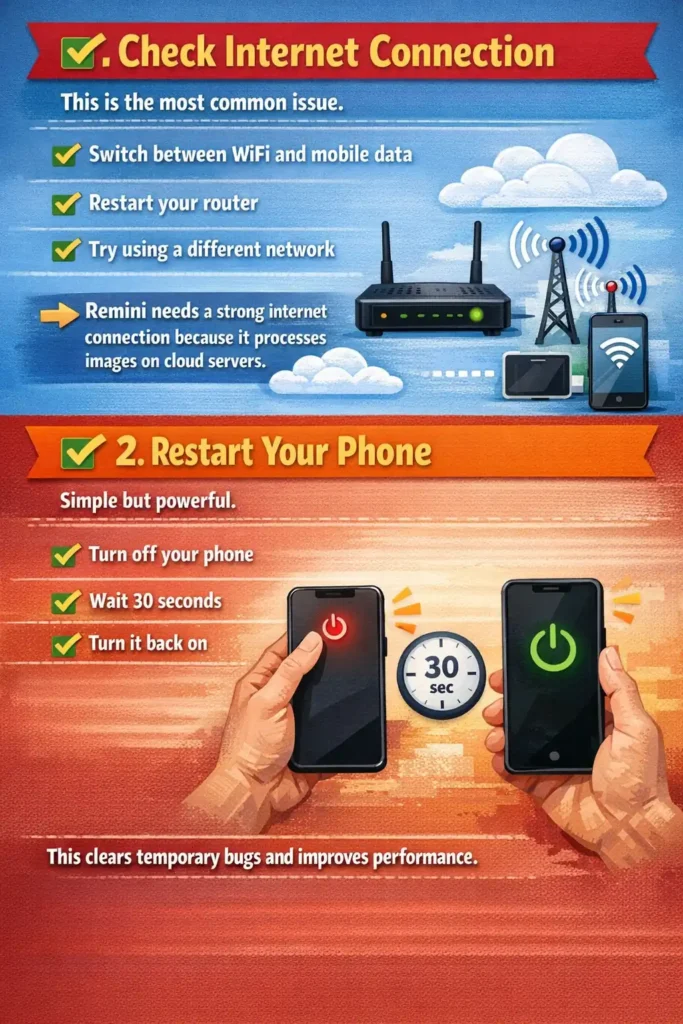
✅ 1. Check Internet Connection
This is the most common issue.
✔ Switch between WiFi and mobile data
✔ Restart your router
✔ Try using a different network
👉 Remini needs a strong internet connection because it processes images on cloud servers.
✅ 2. Restart Your Phone
Simple but powerful.
✔ Turn off your phone
✔ Wait 30 seconds
✔ Turn it back on
This clears temporary bugs and improves performance.
✅ 3. Update the App
Using an outdated version can cause errors.
✔ Go to Play Store / App Store
✔ Search “Remini”
✔ Tap Update
👉 New updates fix bugs and improve stability.
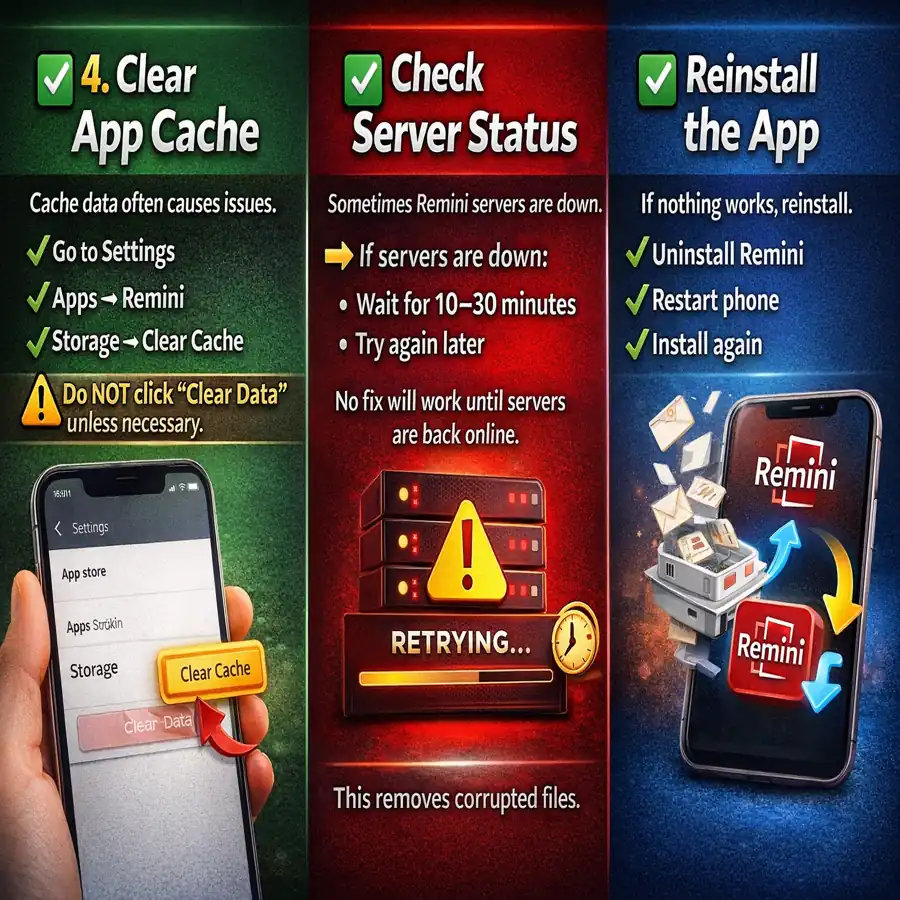
✅ 4. Clear App Cache
Cache data often causes issues.
✔ Go to Settings
✔ Apps → Remini
✔ Storage → Clear Cache
⚠️ Do NOT click “Clear Data” unless necessary.
✅ 5. Check Server Status
Sometimes Remini servers are down.
👉 If servers are down:
- Wait for 10–30 minutes
- Try again later
No fix will work until servers are back online.
✅ 6. Reinstall the App
If nothing works, reinstall.
✔ Uninstall Remini
✔ Restart phone
✔ Install again
This removes corrupted files.
✅ 7. Fix Login Issues
If login is not working:
✔ Use correct email
✔ Try “Forgot Password”
✔ Login with Google/Facebook
👉 Also check if your account is blocked or restricted.
✅ 8. Fix Subscription Problem
If premium features are not working:
✔ Restore purchase from settings
✔ Check payment status
✔ Contact support
Sometimes delay happens in syncing subscription.
✅ 9. Free Up Storage Space
Low storage can cause app crashes.
✔ Delete unused apps
✔ Clear gallery storage
✔ Keep at least 2GB free space
✅ 10. Try VPN (Advanced Fix)
In some regions, Remini may not work properly.
✔ Install VPN
✔ Connect to another country
✔ Open Remini
👉 This works if your ISP is blocking access.
📖 Read Also
❓ FAQs
Remini may not work due to server issues, internet problems, or app bugs after updates.
Check internet connection, restart app, or clear cache to fix processing issues.
This happens due to wrong credentials, server issues, or account restrictions.