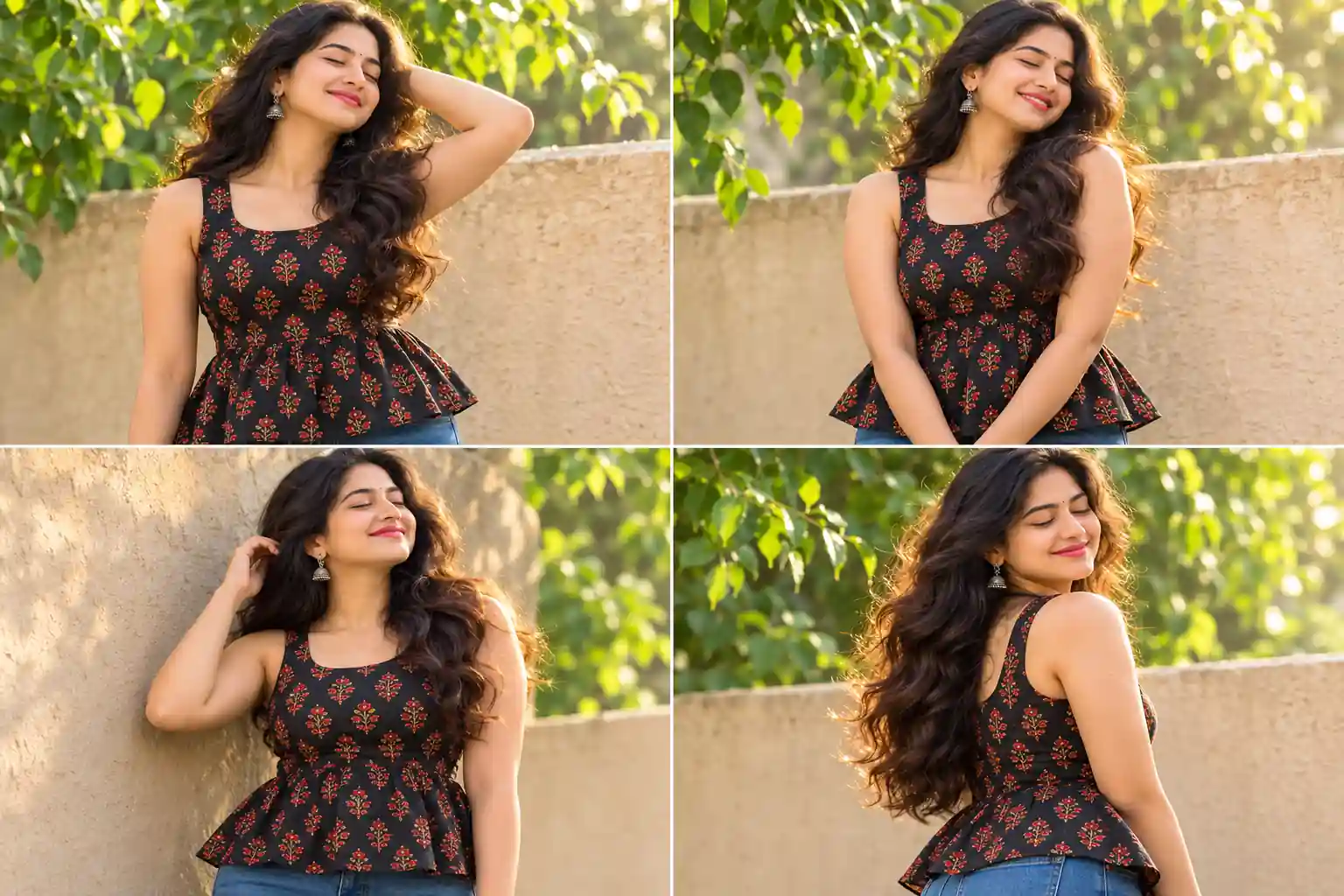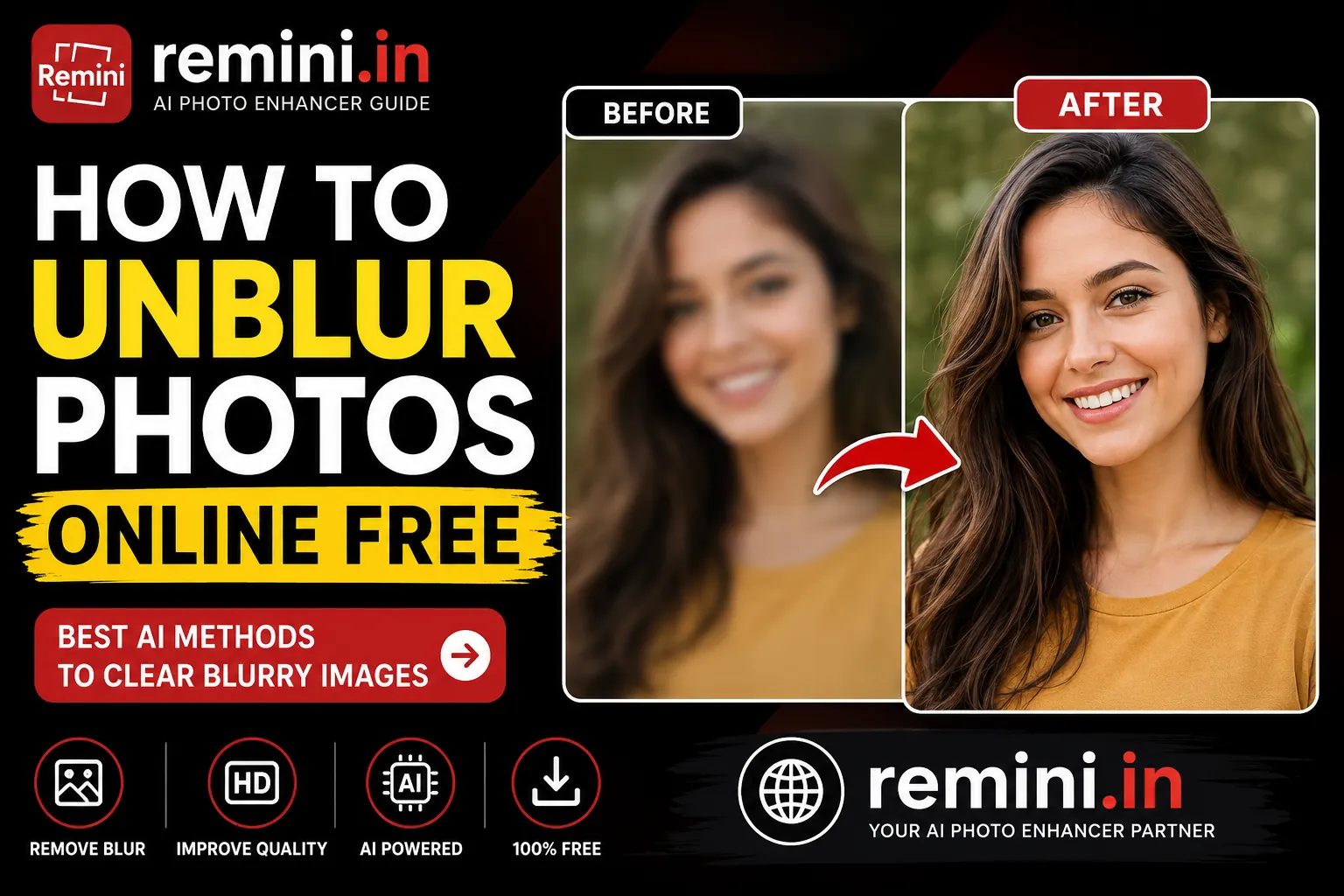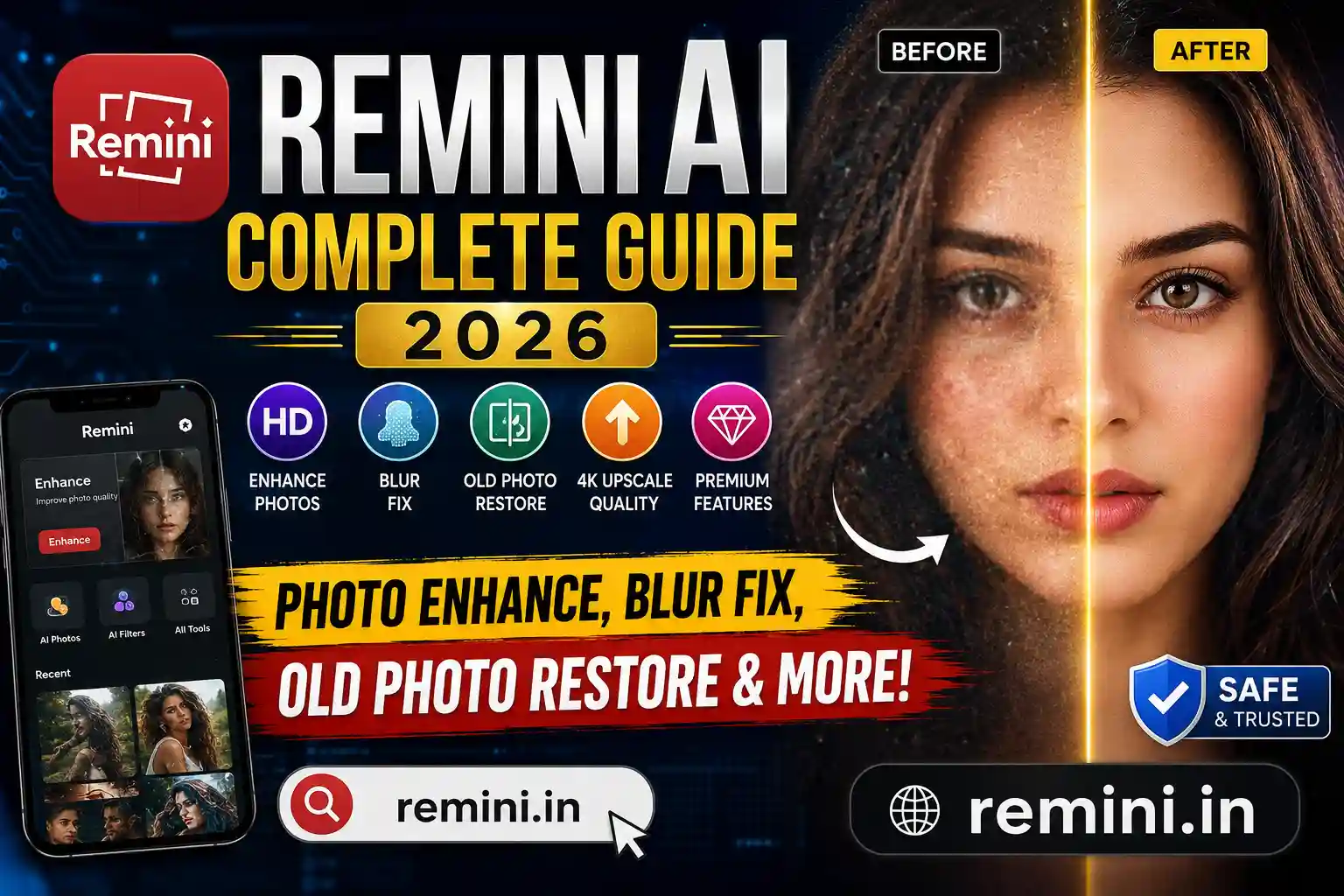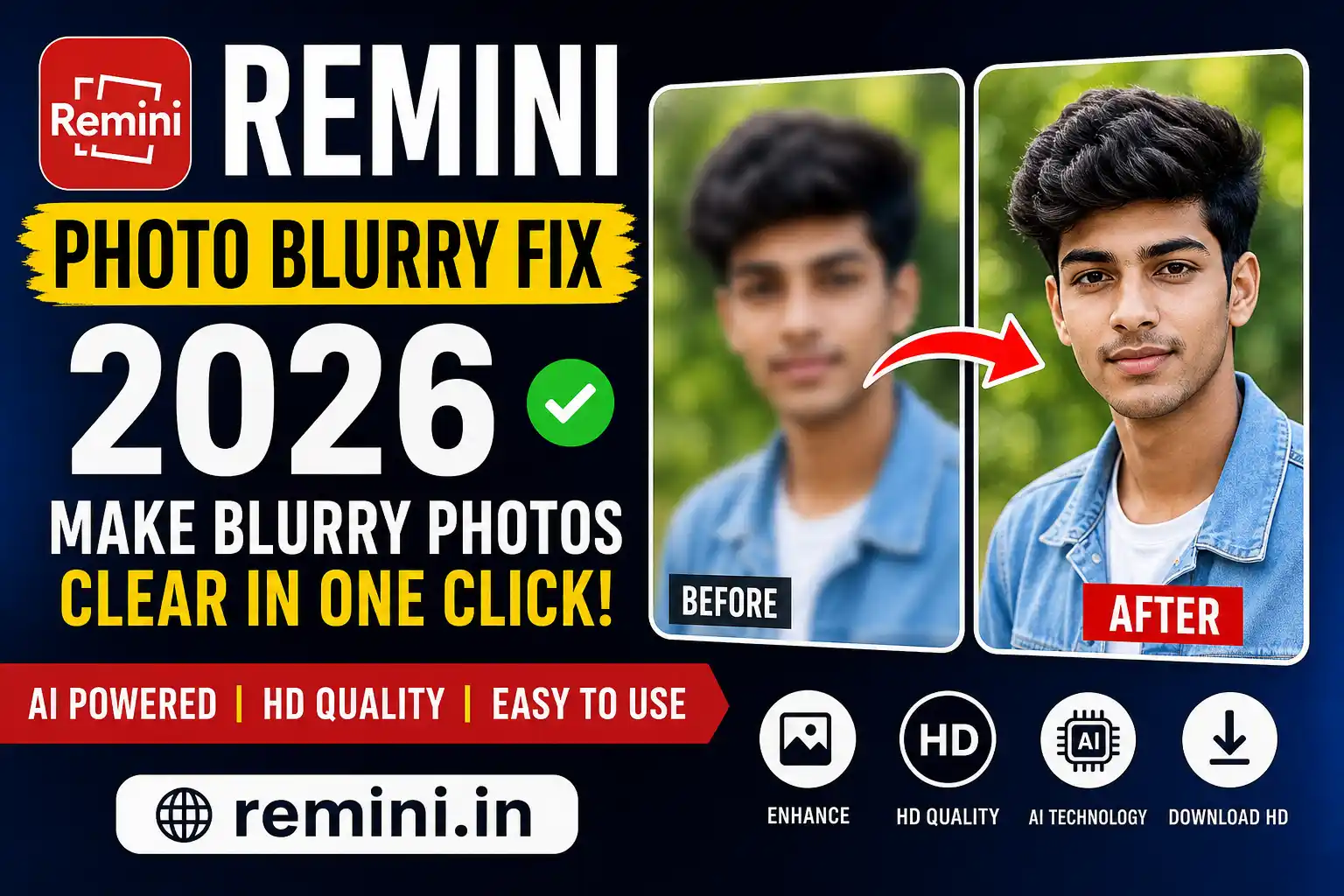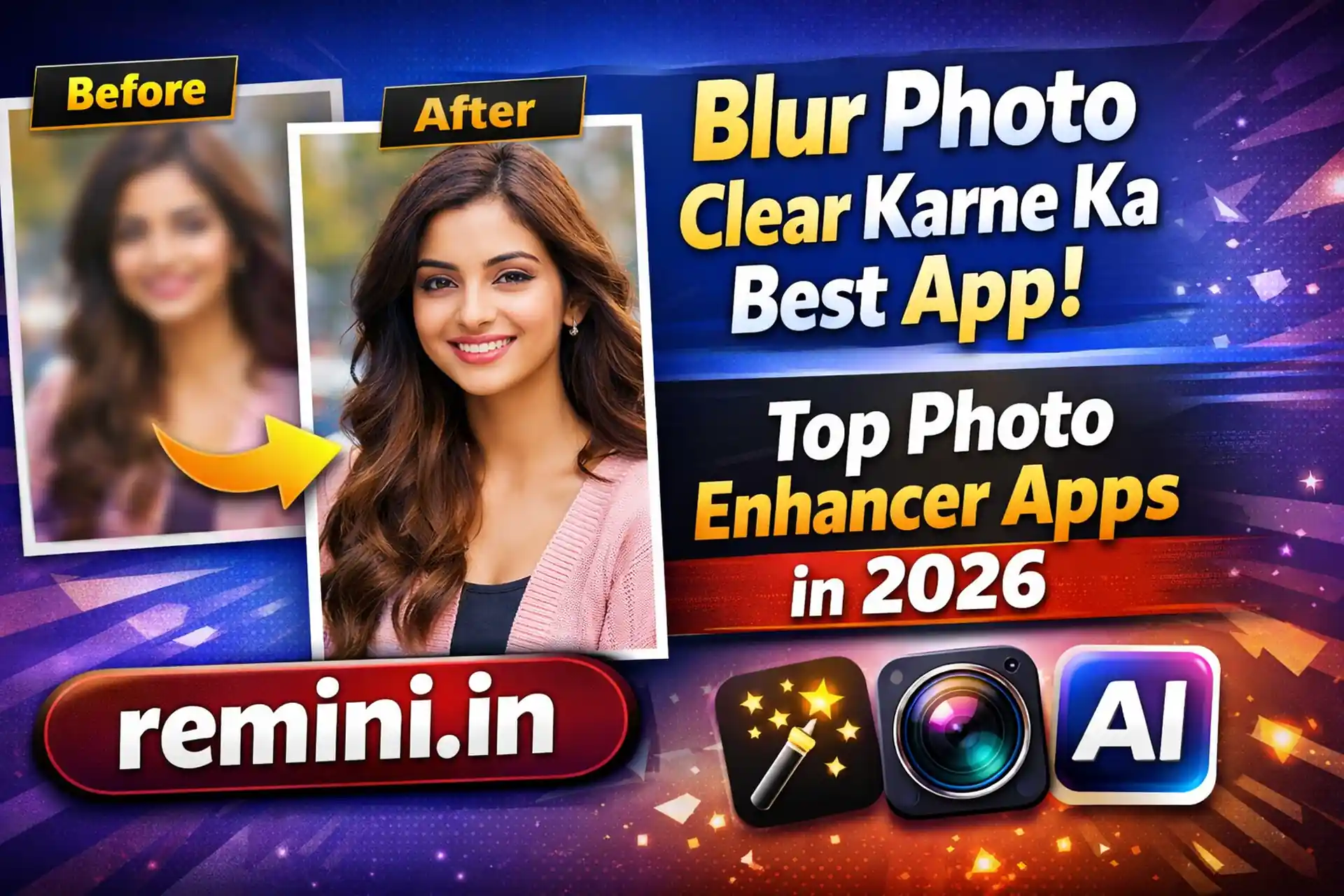
Sometimes we click a perfect moment, but the photo turns out blurry. This problem is very common, especially when photos are taken quickly or in low light. Many people search for a blur photo clear app that can improve image quality without needing professional editing skills. The good news is that modern AI technology makes it possible to sharpen blurry photos within seconds.
In this article, we will discuss the best apps that help make blurred photos clear, how they work, and which one is best for daily use. This guide is written in simple English so it feels natural and easy to understand.
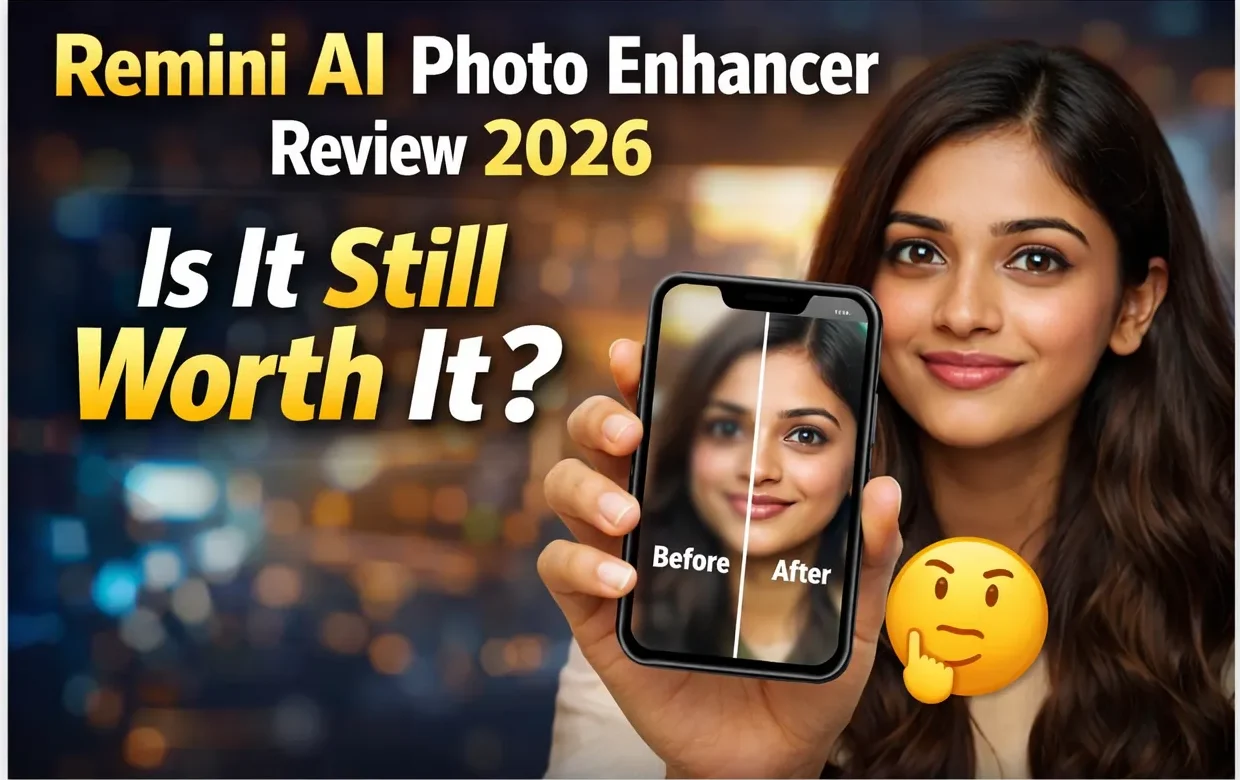
Why Do Photos Become Blurry?
Before choosing a blur photo clear app, it is important to understand why photos become blurry:
- Camera shake while clicking
- Low lighting conditions
- Fast-moving subjects
- Poor camera focus
- Low-quality mobile camera
AI-based apps now analyze pixels and reconstruct missing details, giving your photo a sharper and clearer look.
Best Blur Photo Clear Apps in 2026
1. Remini – AI Photo Enhancer
Remini is one of the most popular apps for fixing blurry photos. It uses artificial intelligence to rebuild image details and improve facial clarity.
Why people like it:
- One-tap enhancement
- Excellent for old photos
- AI face sharpening
- Easy interface
Many users feel their old memories look new again after using this app. If you take many portrait photos, Remini works very well.
2. Snapseed – Professional Yet Simple
Snapseed by Google is another powerful option. It does not fully auto-fix blur like AI apps but gives manual control.
Features:
- Sharpen and structure tools
- Professional editing options
- Free to use
- No watermark
This app is ideal for users who want more editing control.
3. Adobe Lightroom Mobile
Lightroom is famous among photographers. It includes detail and sharpening controls that can improve slightly blurred images.
Best for:
- Advanced users
- Color correction + clarity
- Professional-quality output
Although it has a learning curve, results can be excellent.
4. PicsArt AI Enhance
PicsArt now includes AI enhancement features that help make photos clearer automatically.
Advantages:
- AI enhance button
- Filters and effects included
- Social media ready edits
This is a good option for Instagram or social media creators.
How AI Blur Photo Clear Apps Work
Modern apps use machine learning models trained on millions of photos. They predict missing pixels and sharpen edges naturally. Instead of simply increasing sharpness (which can add noise), AI reconstructs real-looking details.
This is why today’s blur photo clear apps look much better than old editing tools.
Tips to Get Better Results
Even the best blur photo clear app works better if you follow these tips:
- Use high-resolution original images
- Avoid over-editing
- Enhance once instead of multiple times
- Keep lighting natural when clicking photos
- Try multiple apps for comparison
FAQs
Remini and Snapseed are among the best apps for Android users.
Yes, AI can significantly improve photo clarity by rebuilding missing details.
Yes, but it includes limited free enhancements per day.
Many AI apps can restore old photos and improve sharpness effectively.
Remini and PicsArt are best for beginners due to simple one-click options.
📖 Read Also
1️⃣ LPG Gas Cylinder Price Today
2️⃣ Ujjwala Yojana जानकारी
3️⃣ KisanSuvidha Goverment Scheme
4️⃣ Bajrang Baan PDF – बजरंग बाण पाठ, लाभ और महत्व
5️⃣ Shiv Stuti Lyrics – शिव स्तुति का पाठ और अर्थ