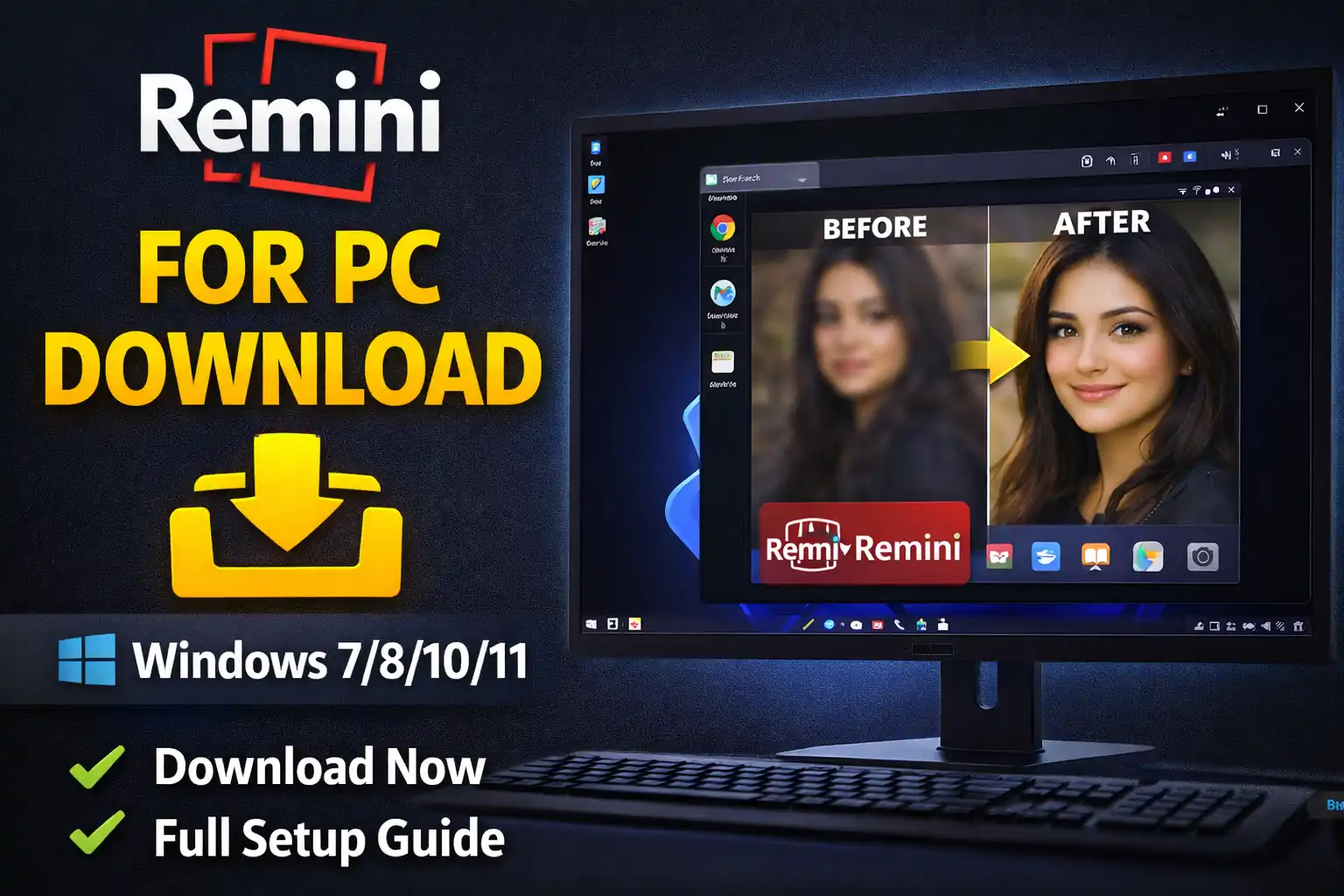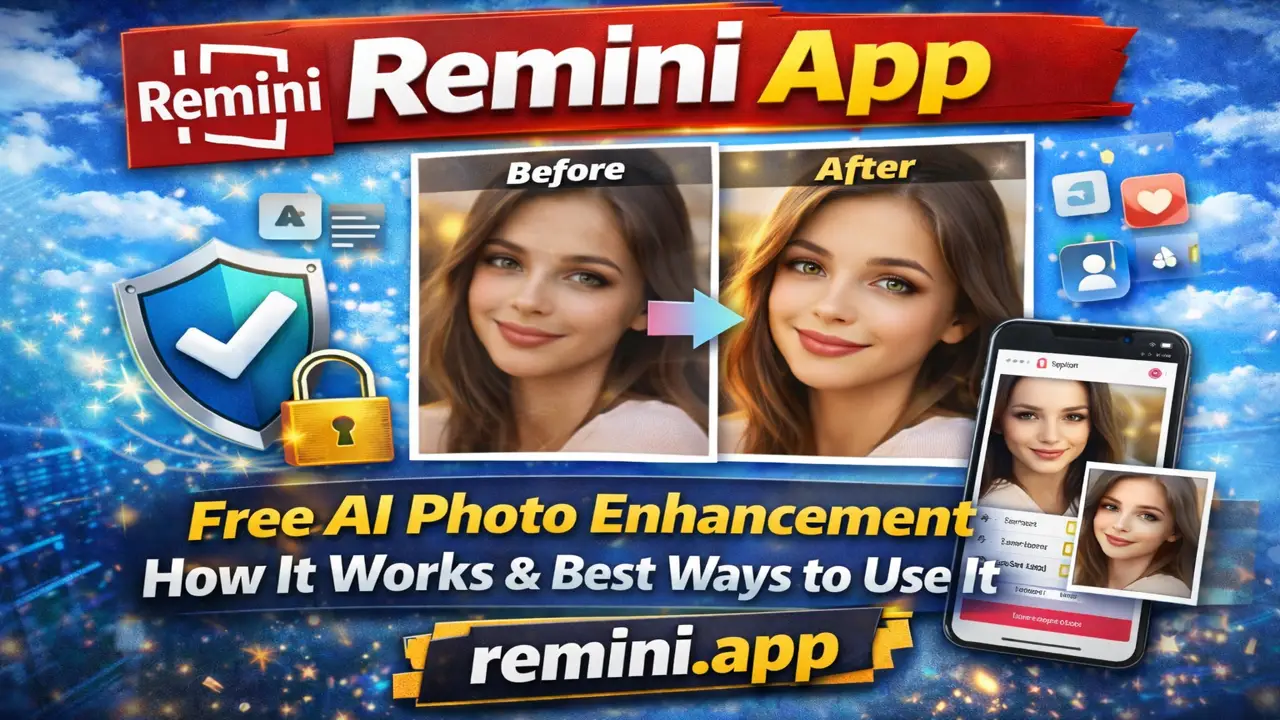
The Remini App has become one of the most widely used AI-powered photo enhancement apps across the world. Millions of users use this application every day to improve old photos, fix blurry images, and create high-quality pictures for social media platforms. Whether someone is a student, photographer, content creator, or regular smartphone user, there is a high chance they have already heard about or used the Remini App.
This AI photo editing app is especially popular because it can transform low-quality photos into clearer and sharper images within seconds. Many people use it to restore old family pictures, improve selfies, and enhance videos using artificial intelligence technology.
In this detailed and easy-to-understand article, you will learn what the Remini App actually is, how it works, its main features, advantages, disadvantages, privacy and safety concerns, practical use cases, and whether it is really worth using in 2026.
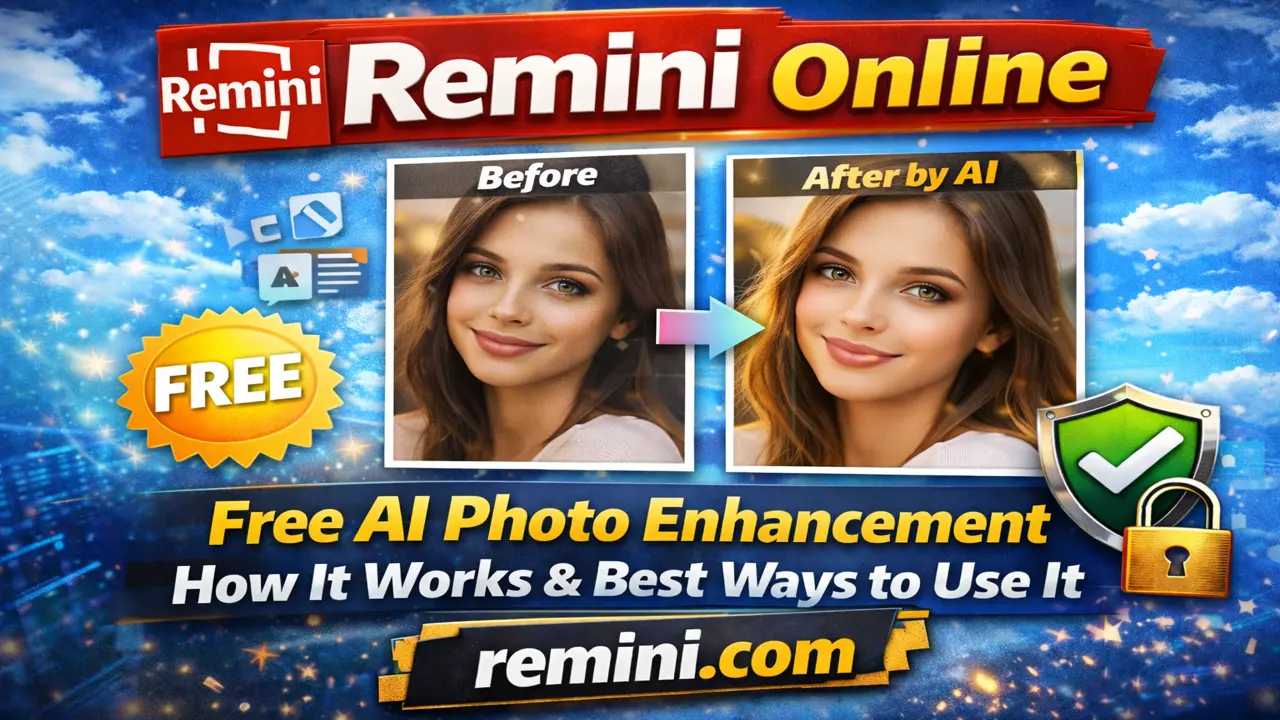
What Is the Remini App?
The Remini App is an AI-powered photo enhancement application designed to improve low-quality, blurry, pixelated, or old images and turn them into clearer, sharper, and high-definition photos. It uses advanced artificial intelligence and deep learning technology to analyze images deeply and restore missing details automatically.
The app can improve facial features, enhance image clarity, reduce blur, and make old photos look more modern and professional. Many users use Remini to restore childhood pictures, improve selfies, and enhance social media content.
Unlike regular photo editing apps that mainly apply filters or effects, the Remini App works differently. It uses powerful AI models trained on millions of photos to intelligently recreate realistic details that may be unclear, damaged, or missing in the original image.
This is why the Remini App is widely used for:
- Restoring old family photos
- Fixing blurry pictures
- Enhancing low-light images
- Improving portrait clarity
- Making social media photos look professional
How Does the Remini App Work?
The Remini App works using advanced artificial intelligence and machine learning algorithms. When you upload a photo, the app scans it pixel by pixel, identifies faces, textures, and patterns, and then enhances them using AI reconstruction.
Here is a simple breakdown of the process:
- You upload your photo
- The AI analyzes the image
- It detects blur, noise, and low resolution
- It rebuilds details using trained AI models
- It generates a clearer, sharper version of your image
All of this happens within a few seconds, making the Remini App one of the fastest and most powerful photo enhancers available today.
Best Features of the Remini App
The Remini App is packed with useful features that make it stand out from other photo editing tools.
1. AI Photo Enhancement
This is the main feature of the Remini App. It can turn blurry or low-quality images into crisp, detailed pictures with just one tap.
2. Old Photo Restoration
If you have faded, damaged, or black-and-white photos, the Remini App can restore them beautifully by sharpening details and improving contrast.
3. Portrait Enhancer
The app is especially good at improving facial details in portraits. It enhances eyes, skin texture, hair, and overall clarity.
4. Video Enhancement (Limited Feature)
In some versions, Remini also allows basic video enhancement, making shaky or low-quality clips look better.
5. Easy-to-Use Interface
Even a beginner can use the Remini App because the interface is simple, clean, and user-friendly.
Free vs Premium Version of the Remini App
The Remini App offers both free and paid versions.
Free Version
- Limited daily enhancements
- Contains ads
- Slower processing speed
- Basic features available
Premium (Pro) Version
- Unlimited photo enhancements
- No ads
- Faster processing
- Access to all AI tools
- Higher-quality output
Many users start with the free version and later upgrade to premium if they find the app useful.
Benefits of Using the Remini App
There are several reasons why the Remini App has gained massive popularity worldwide.
1. Saves Precious Memories
Many people use the Remini App to restore old photos of grandparents, parents, or childhood moments. It helps bring back memories in a clearer and more emotional way.
2. Improves Social Media Content
Influencers, bloggers, and content creators use the Remini App to enhance their pictures before posting on Instagram, Facebook, or WhatsApp.
3. No Technical Skills Required
You do not need to know Photoshop or advanced editing. Just upload your photo and let AI do the work.
4. Fast and Efficient
Unlike manual editing, the Remini App enhances photos in seconds.
Limitations of the Remini App
While the Remini App is powerful, it is not perfect.
1. Sometimes Over-Enhances Faces
In some cases, the AI can make faces look too smooth or artificial, removing natural skin texture.
2. Internet Required
The app needs an internet connection because processing happens on cloud servers.
3. Limited Free Usage
Free users can only enhance a few photos per day.
4. Privacy Concerns
Since photos are uploaded to AI servers, users should be cautious about uploading very personal or sensitive images.
Is the Remini App Safe to Use?
Generally, the official Remini App from Google Play Store or Apple App Store is considered safe. However, users should keep a few things in mind:
- Avoid uploading extremely private or sensitive photos
- Read privacy policies if concerned
- Do not use cracked or modified versions of the app
Using the official version is always safer than downloading any Mod APK or third-party version.
Real-Life Example of Remini App Use
A few months ago, my neighbor found an old black-and-white photo of his late father from the 1970s. The picture was faded and damaged. He used the Remini App, and within seconds, the image became much clearer. The entire family was emotional seeing his face so vividly again after so many years.
This is exactly why the Remini App is so powerful. It does not just enhance photos—it helps preserve memories.
Who Should Use the Remini App?
The Remini App is ideal for:
- Students who want better profile pictures
- Photographers who need quick enhancement
- Content creators and influencers
- Families who want to restore old photos
- Normal users who love photography
If you regularly take or edit photos, the Remini App can be a valuable tool.
Final Honest Opinion
The Remini App is one of the best AI photo enhancement tools available today. It is fast, effective, and extremely useful for restoring old images and improving photo quality. While it has some limitations, its benefits far outweigh the drawbacks.
If you care about your photos and memories, using the official Remini App is definitely worth it.
Frequently Asked Questions (FAQs)
Yes, but with limited daily enhancements and ads.
Yes, if you use the official version from Play Store or App Store.
Yes, it works well for many old and damaged images.
No, it requires an internet connection.
For quick AI enhancement, yes. For professional editing, Photoshop is still more powerful.