Best Remini AI Prompt for Photo Enhancement (2026 Guide)
Artificial intelligence has completely changed how we enhance photos. Just a few years ago, improving a blurry image required advanced editing skills and expensive software. Today, tools like Remini AI make it possible to turn low-quality images into high-definition photos with just a few clicks.
However, one important factor many users overlook is the power of a good prompt. A well-written prompt can dramatically improve how AI enhances your image. If you use the right instructions, the AI understands exactly what kind of enhancement you want — sharper faces, clearer textures, natural lighting, or realistic skin tones.
In this guide, we will explore the best Remini AI prompts, explain how they work, and show you how to create professional-quality photo enhancements in seconds.

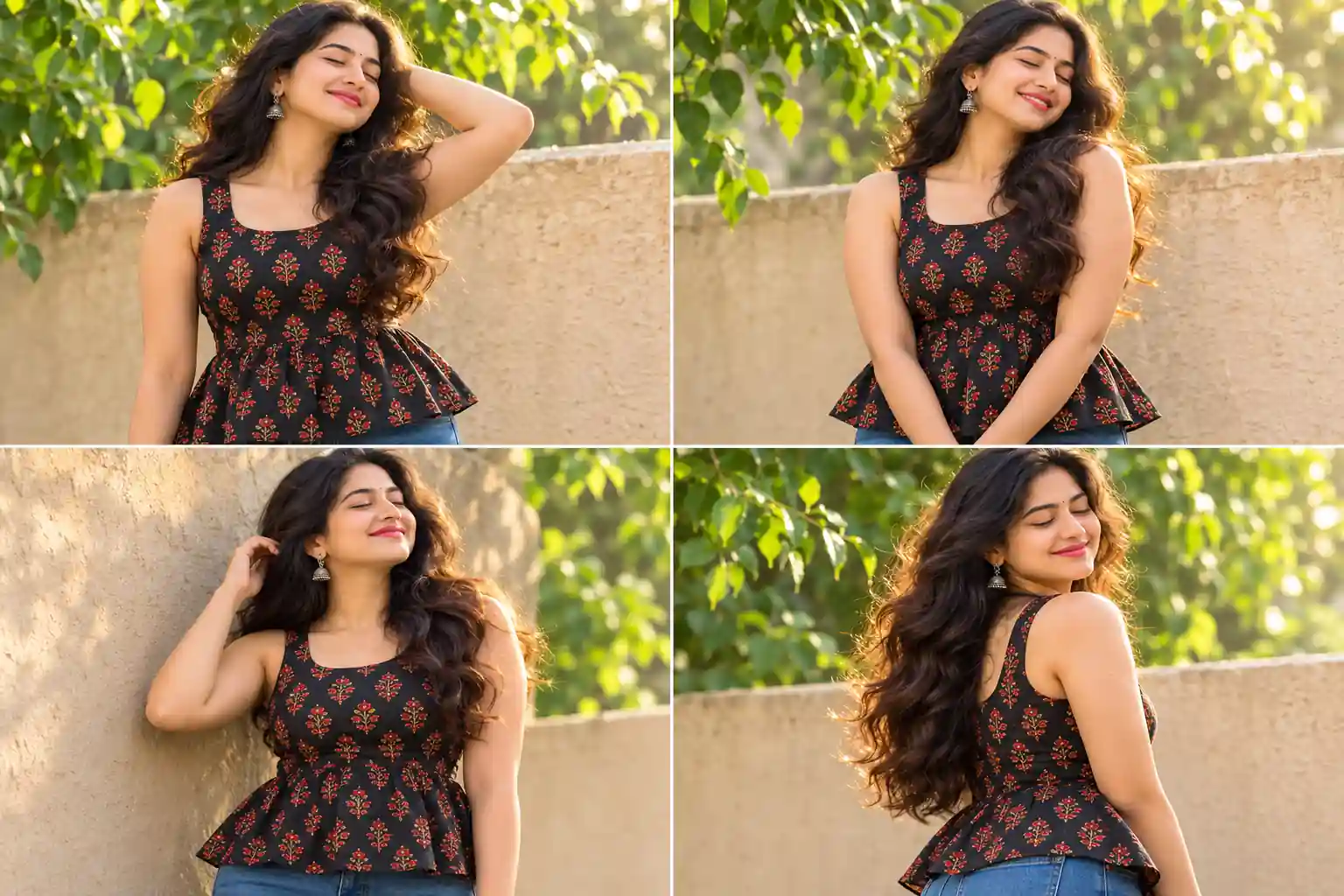
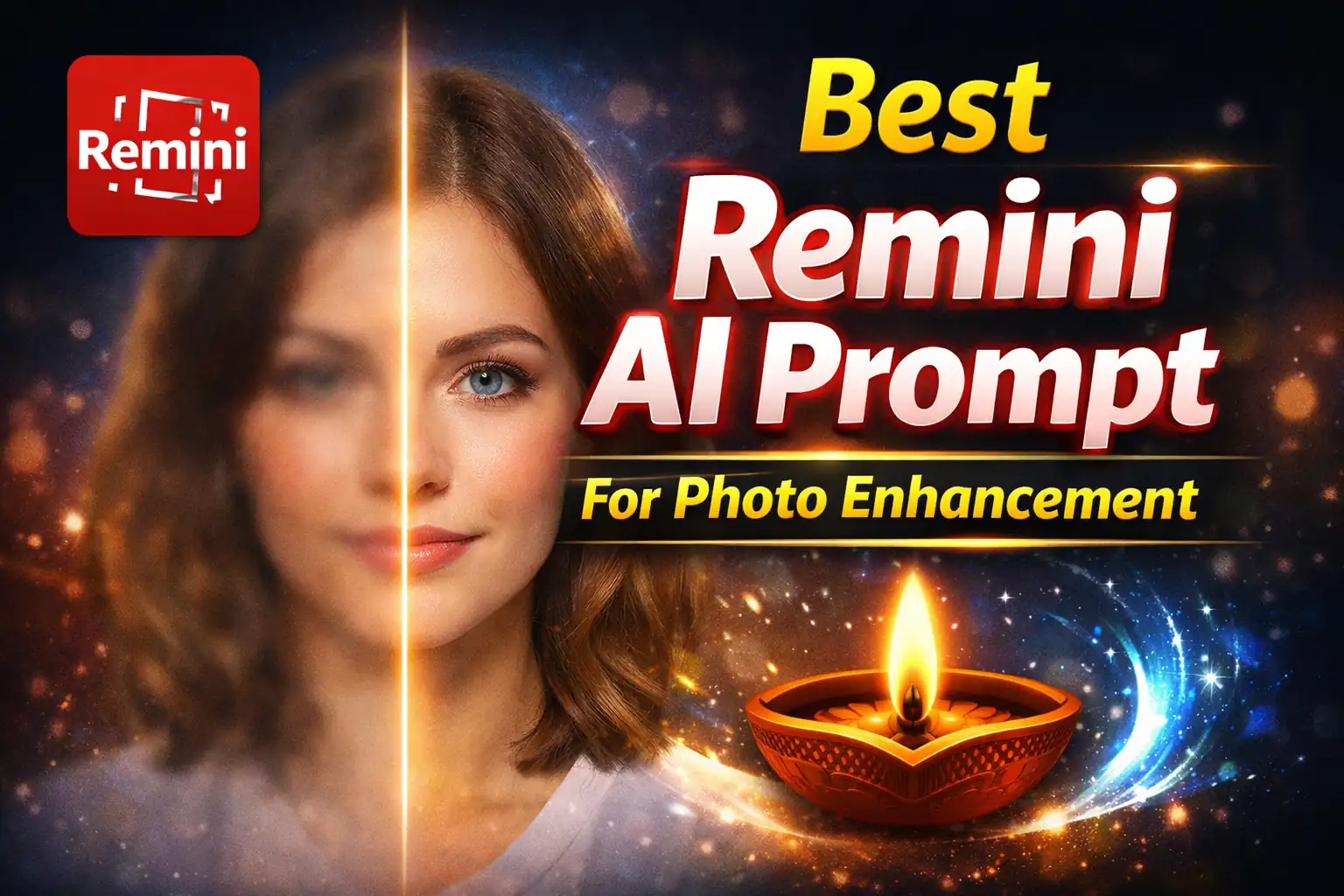
AI Photo Enhancement Demo
Why AI Prompts Matter in Photo Enhancement
When you upload a photo to an AI tool, the system analyzes the pixels and attempts to reconstruct missing details. But without proper instructions, the AI might not know what type of improvement you want.
For example, a portrait photo requires different processing compared to a landscape image. A portrait enhancement prompt might focus on facial details, skin clarity, and lighting balance. A landscape prompt might focus on texture, color depth, and sharp edges.
This is why using a well-structured AI prompt helps the system deliver better results. Instead of relying on generic processing, you guide the AI toward a specific visual outcome.
Best Remini AI Prompt for Portrait Enhancement
Portrait images are one of the most common types of photos people want to enhance. Old selfies, blurry camera shots, or low-resolution social media photos can be dramatically improved using the right prompt.
This prompt tells the AI exactly what you want. It focuses on skin detail, lighting quality, and high-resolution output.
When applied correctly, this prompt can transform a blurry face photo into something that looks like it was taken with a professional camera.
Best Prompt for Restoring Old Photos
Old photographs often suffer from fading, scratches, and loss of detail. AI restoration technology can rebuild missing information and bring historical photos back to life.
This prompt is especially useful when scanning old family photographs or restoring archived images.
Best Prompt for Upscaling Low-Resolution Images
Low-resolution images are a common problem when downloading photos from social media or messaging apps. These images often appear pixelated when enlarged.
AI upscaling can increase the resolution while reconstructing realistic detail.
Tips for Getting the Best Results from Remini AI
Even with a powerful prompt, the quality of the original image still matters. Here are some tips to maximize your results:
- Upload the highest resolution image you have available.
- Avoid heavy compression or screenshots.
- Use portrait mode photos when enhancing faces.
- Experiment with different prompts to see which works best.
Small adjustments in wording can sometimes produce dramatically different results.
The Future of AI Photo Enhancement
Artificial intelligence is improving rapidly, and tools like Remini are only the beginning. Future image enhancement systems will likely include real-time video enhancement, automatic scene reconstruction, and AI-generated textures.
This means even photos taken with older smartphones could eventually be transformed into ultra-high-definition images.
For photographers, social media creators, and everyday users, this technology opens up incredible possibilities. Instead of worrying about camera quality, AI can reconstruct missing detail and produce stunning visuals.
If you learn how to use AI prompts effectively, you can unlock the full potential of tools like Remini and create images that look professionally edited.
Frequently Asked Questions
What is the best Remini prompt for photo enhancement?
A good prompt includes instructions about resolution, lighting, facial detail, and realism. For example: “Ultra realistic portrait enhancement, 4K resolution, natural skin texture, cinematic lighting.”
Can Remini restore very old photos?
Yes. AI restoration can remove scratches, repair faded areas, and reconstruct facial details from old photographs.
Is AI photo enhancement better than manual editing?
AI enhancement is much faster and often produces excellent results automatically, but manual editing can still provide additional fine-tuning.
Does AI increase image resolution?
Yes. AI upscaling can increase resolution while reconstructing realistic details that were not present in the original image.
Are AI enhanced photos realistic?
Modern AI models are highly advanced and can generate extremely realistic enhancements, especially for portrait photography.