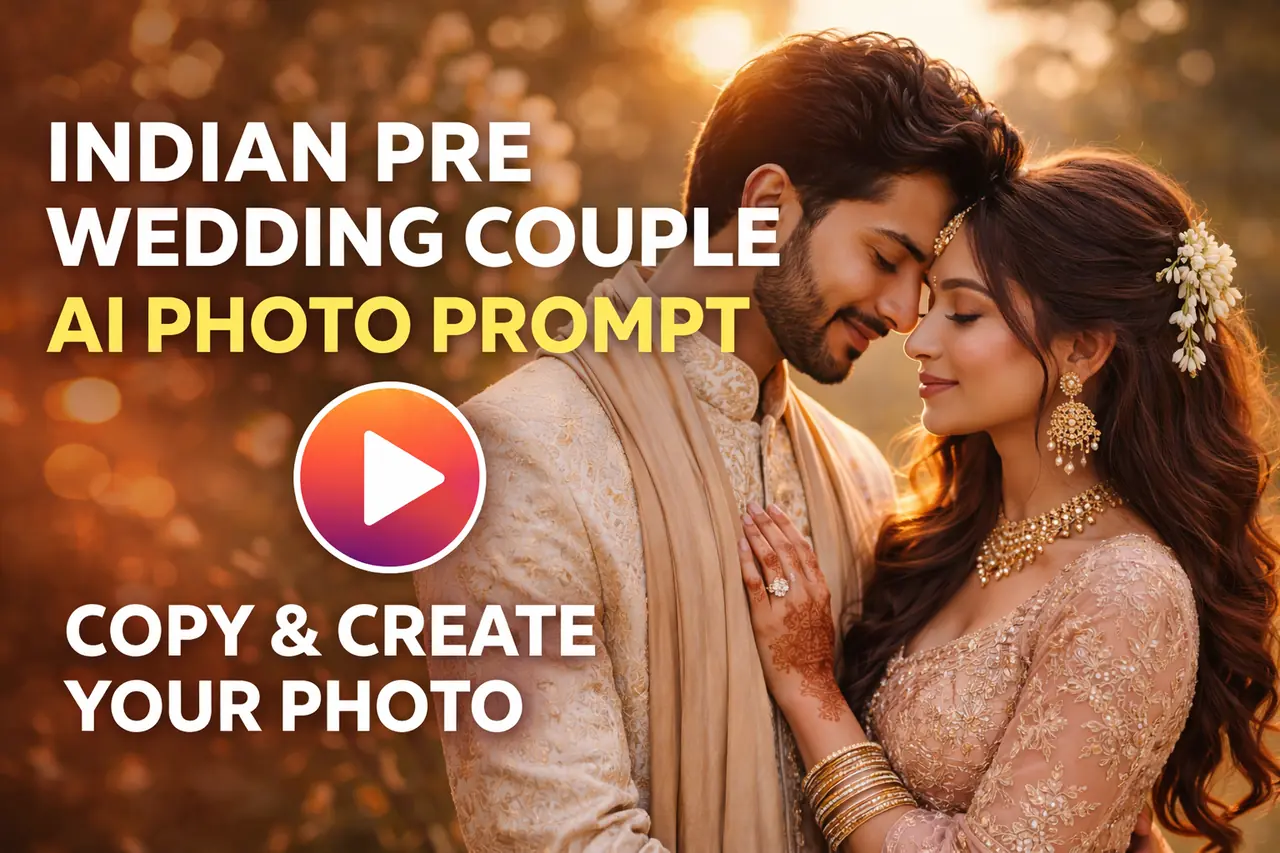
Artificial Intelligence has completely changed the way we create photos. Today, you don’t need an expensive DSLR camera, a professional photographer, or a luxury location to create breathtaking pre-wedding portraits. With AI image generators like Gemini, Midjourney, Leonardo AI, or DALL·E, you can generate a cinematic Indian pre-wedding couple photo in just a few seconds.
In this article, I will give you the exact prompt used to generate the romantic golden-hour couple image. You can copy the prompt, paste it into your favorite AI image tool, and create your own stunning version instantly.
Let’s get started.
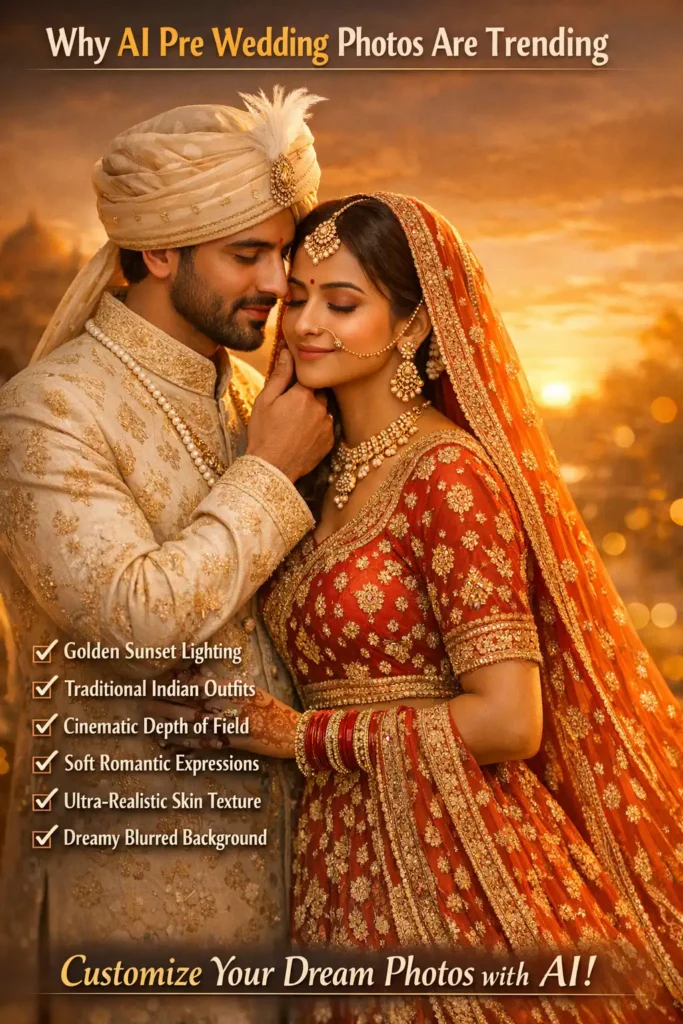
Why AI Pre Wedding Photos Are Trending
Pre-wedding photography has always been special. Couples want romantic lighting, elegant outfits, emotional expressions, and a dreamy background. But professional shoots can be expensive and time-consuming.
AI solves this problem.
With the right prompt, you can create:
- Golden sunset lighting
- Traditional Indian outfits
- Cinematic depth of field
- Soft romantic expressions
- Ultra-realistic skin texture
- Dreamy blurred backgrounds
And the best part? You can customize everything.
Copy This Exact AI Prompt
Below is the professional prompt used to generate the romantic Indian pre-wedding couple image.
Full Professional Prompt (Best Quality)
Copy and paste this:
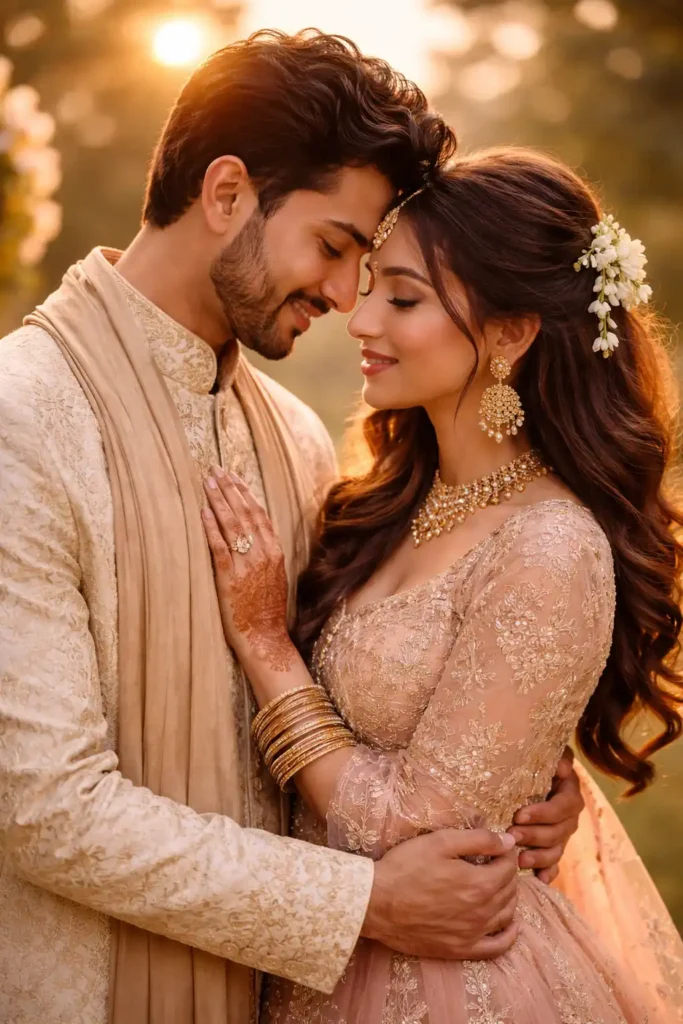
Romantic Indian pre-wedding couple portrait during golden hour, groom wearing off-white embroidered sherwani with silk stole, bride wearing blush pink lehenga with gold embroidery, heavy traditional jewelry, mehndi on hands, soft sunset backlight, warm cinematic lighting, shallow depth of field, 85mm lens photography, ultra realistic skin texture, natural expressions, dreamy bokeh background, professional wedding photography, high detail, 8K resolution, DSLR quality, sharp focus
This prompt works beautifully in most modern AI image generators.
Short Version (Quick Result Prompt)
If your AI tool prefers shorter prompts, use this:
Indian pre wedding couple in traditional outfit, golden sunset light, cinematic romantic mood, ultra realistic, DSLR photography, soft bokeh background, 8K
How to Use This Prompt (Step-by-Step Guide)
Even if you’re a beginner, follow these simple steps:
Step 1: Open an AI Image Generator
Use any of the following:
- Gemini image tool
- Midjourney
- Leonardo AI
- DALL·E
- Any advanced AI art generator
Step 2: Paste the Prompt
Copy the full professional prompt above and paste it into the text box.
Step 3: Select Settings
For best results:
- Aspect Ratio: 4:5 (Instagram portrait style) or 2:3
- Quality: High or Ultra
- Style: Photorealistic
- Resolution: 1024×1792 or higher
Step 4: Generate the Image
Click generate and wait a few seconds. You’ll get a cinematic romantic portrait similar to the one shown earlier.
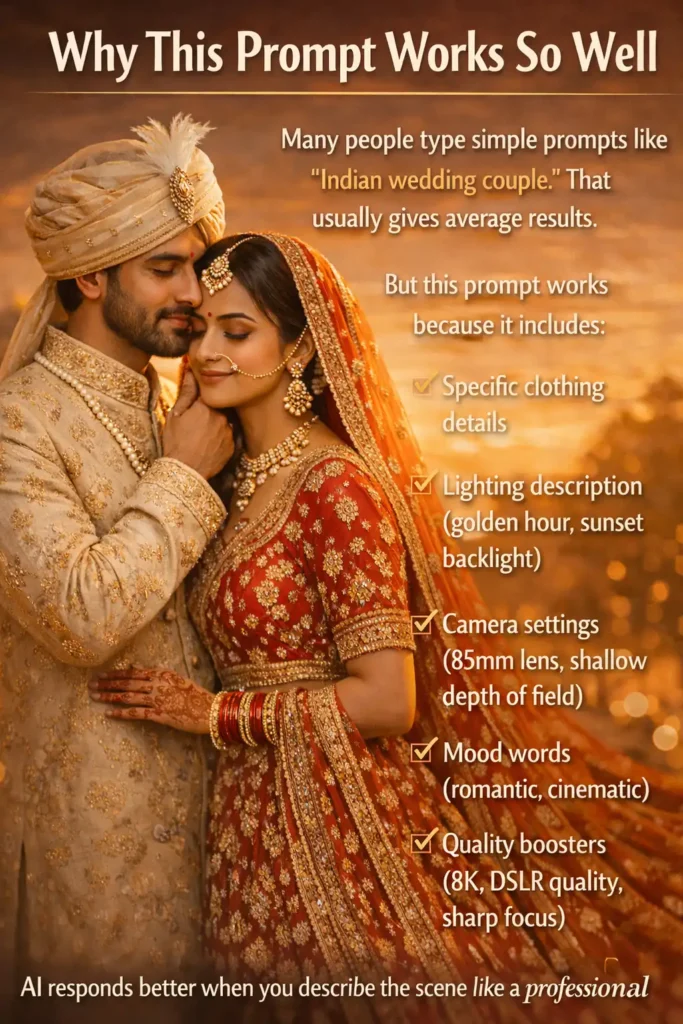
Why This Prompt Works So Well
Many people type simple prompts like “Indian wedding couple.” That usually gives average results.
But this prompt works because it includes:
- Specific clothing details
- Lighting description (golden hour, sunset backlight)
- Camera settings (85mm lens, shallow depth of field)
- Mood words (romantic, cinematic)
- Quality boosters (8K, DSLR quality, sharp focus)
AI responds better when you describe the scene like a professional photographer.
How to Customize It for Your Own Style
You can modify the prompt depending on your needs.
Change Outfit Color
Replace:
“blush pink lehenga”
With:
- royal red lehenga
- emerald green lehenga
- ivory bridal lehenga
Change Background
Replace:
“dreamy bokeh background”
With:
- royal palace background
- beach sunset background
- garden with fairy lights
- traditional Indian temple setting
Add Pose Instructions
You can add:
- holding hands and smiling
- forehead touching pose
- ring exchange moment
- bride looking at camera, groom looking at bride
Pro Tips for Ultra-Realistic Results
If you want extremely realistic output, add these keywords at the end:
- RAW photo
- high dynamic range
- natural skin tones
- award winning photography
- realistic shadows
- cinematic color grading
Avoid using too many artistic filters if you want a natural look.
Common Mistakes to Avoid
- Writing very short prompts without details
- Not mentioning lighting
- Forgetting camera lens details
- Using too many unrelated keywords
- Not selecting portrait aspect ratio
Remember: The more structured your prompt is, the better your result will be.
Can You Use These AI Images Commercially?
It depends on the AI platform you are using. Always check the licensing rules before using generated images for commercial purposes like websites, ads, or client work.
If you are creating content for your blog, Instagram, or portfolio, AI pre-wedding portraits can dramatically increase visual appeal and engagement.
Final Thoughts
AI photography is not just a trend — it’s the future of creative design. With the right prompt, you can create professional-level romantic pre-wedding portraits in seconds.
You don’t need a camera.
You don’t need a studio.
You just need the right words.
Copy the prompt above, paste it into your favorite AI image generator, and create your own cinematic love story today.
If you enjoyed this guide and want more ready-to-use AI photo prompts, bookmark this page and explore more creative ideas.
FAQ
Yes, this prompt works in Gemini and most modern AI image generators.
No, just copy the prompt and generate.
Yes, simply replace the outfit color description.
It depends on the AI platform’s license policy.