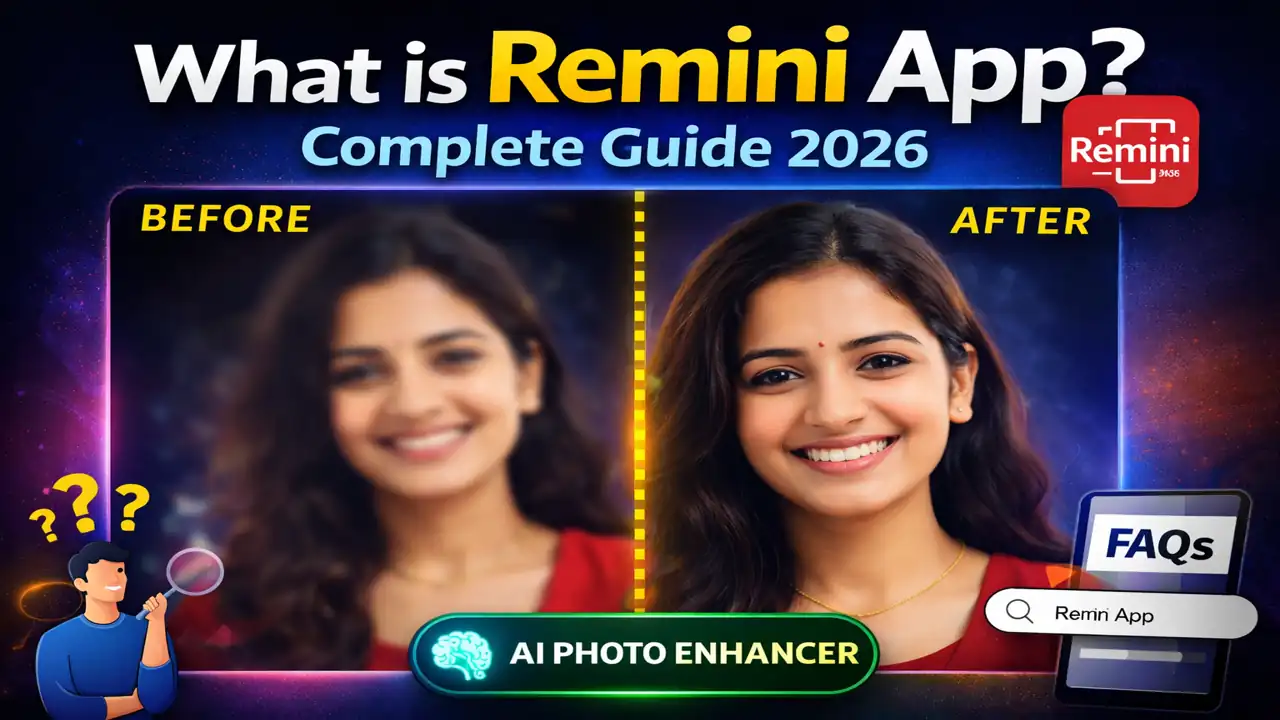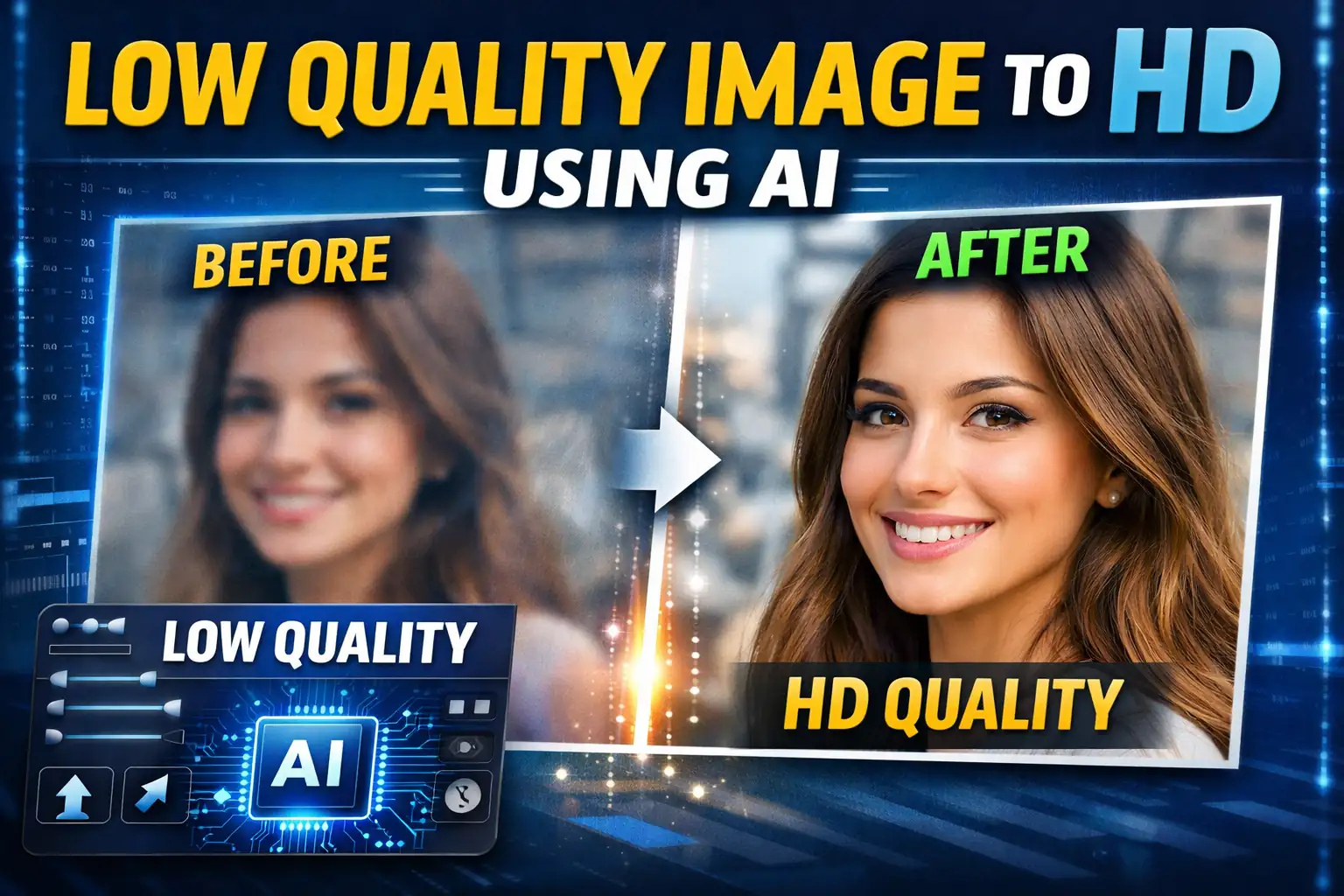
In today’s digital world, photos play a huge role in communication. Whether it is social media, business presentations, or personal memories, everyone wants clear and high-quality images. Unfortunately, many photos we have are low resolution, blurry, or pixelated. This usually happens because the image was taken with an old camera, compressed while sharing online, or downloaded from the internet.
The good news is that Artificial Intelligence (AI) has completely changed the way we improve image quality. Today, you can easily convert a low quality image to HD using AI tools in just a few seconds.
Let’s understand how this works and how you can do it yourself.
What is AI Image Enhancement?
AI image enhancement is a technology that uses machine learning algorithms to analyze and improve photos. Instead of simply stretching the image like traditional editing software, AI studies the details of the image and recreates missing pixels intelligently.
This means AI can:
- Increase image resolution
- Sharpen blurry photos
- Restore lost details
- Improve facial clarity
- Reduce noise and grain
Because of this, AI tools can convert a low resolution image into a high-definition (HD) photo without losing quality.
Why Low Quality Images Happen
Before improving an image, it is important to know why photos become low quality. Some common reasons include:
1. Low Resolution Cameras
Older smartphones or cameras often capture photos with fewer pixels, which makes images look blurry on modern screens.
2. Image Compression
When images are uploaded to messaging apps or websites, they are compressed to reduce file size. This compression often reduces quality.
3. Cropping and Resizing
If you crop a photo heavily or resize it incorrectly, the image may lose its sharpness.
4. Downloaded Images
Images downloaded from the internet are often already compressed or resized, making them appear pixelated.
How AI Converts Low Quality Images to HD
AI tools work differently from traditional image editing software. Instead of simply enlarging the image, AI analyzes the structure of the photo.
Here is how the process usually works:
Step 1: Upload the Image
Upload your low-quality image to an AI photo enhancement tool.
Step 2: AI Analysis
The AI scans the image and detects elements such as faces, textures, and edges.
Step 3: Pixel Reconstruction
Using deep learning models, the AI recreates missing details and generates new pixels to improve resolution.
Step 4: HD Output
The tool then produces a clearer, sharper HD version of your image.
This entire process usually takes only a few seconds.
Benefits of Using AI Image Enhancement
Using AI to improve image quality offers several advantages.
Fast Results
Most AI tools enhance images in seconds.
No Editing Skills Needed
You don’t need professional photo editing knowledge.
Better Face Enhancement
AI tools can improve facial details, which is great for portraits and selfies.
Restore Old Photos
AI can even restore old family photographs and make them look modern.
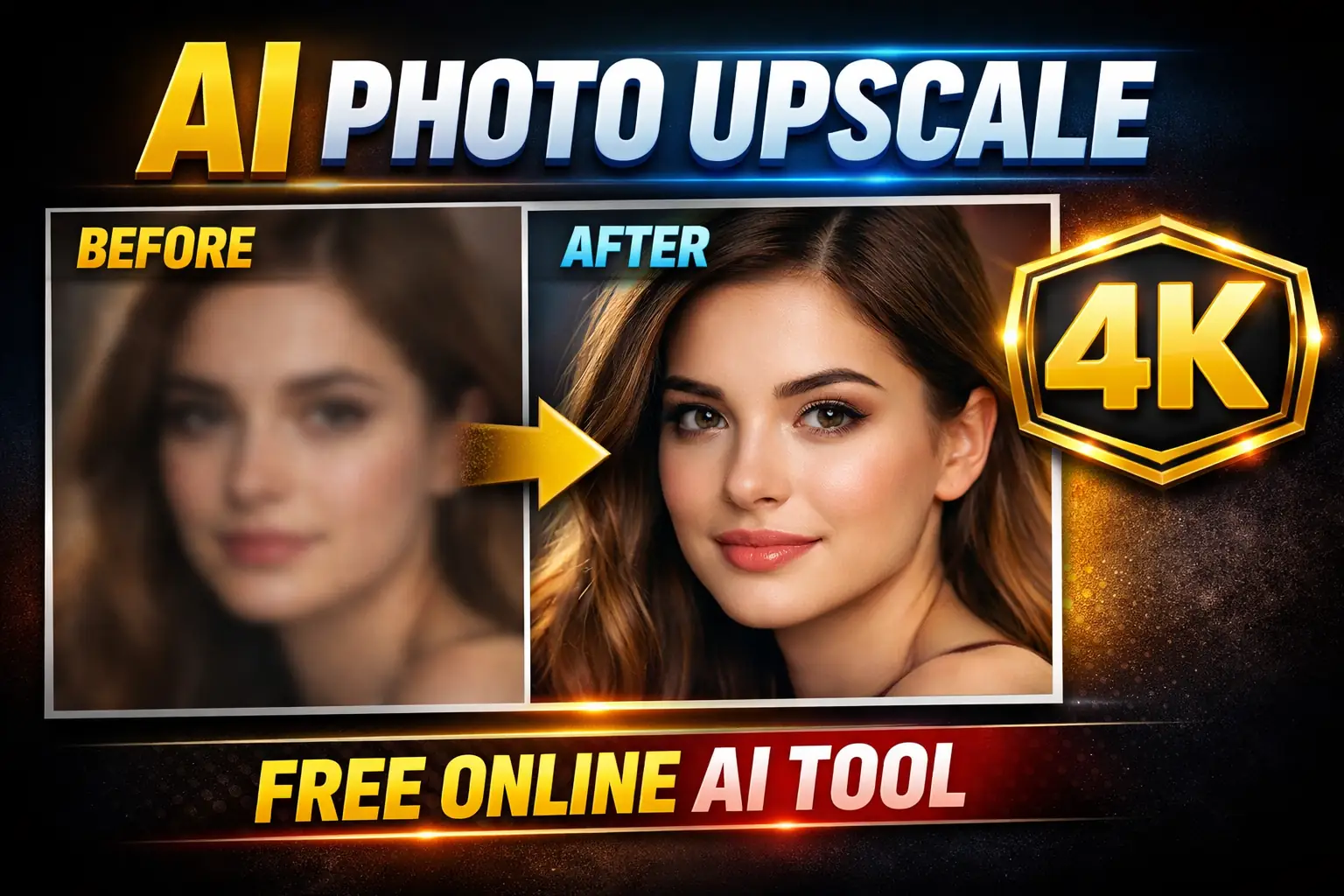
Tips for Getting the Best HD Results
If you want the best results when converting a low-quality image to HD, keep these tips in mind:
- Use the highest quality original image available.
- Avoid extremely compressed images.
- Use trusted AI tools designed specifically for photo enhancement.
- If possible, enhance the image in stages (upscale + sharpen).
Final Thoughts
AI technology has made photo enhancement incredibly easy. What once required advanced editing skills and expensive software can now be done in seconds using AI tools.
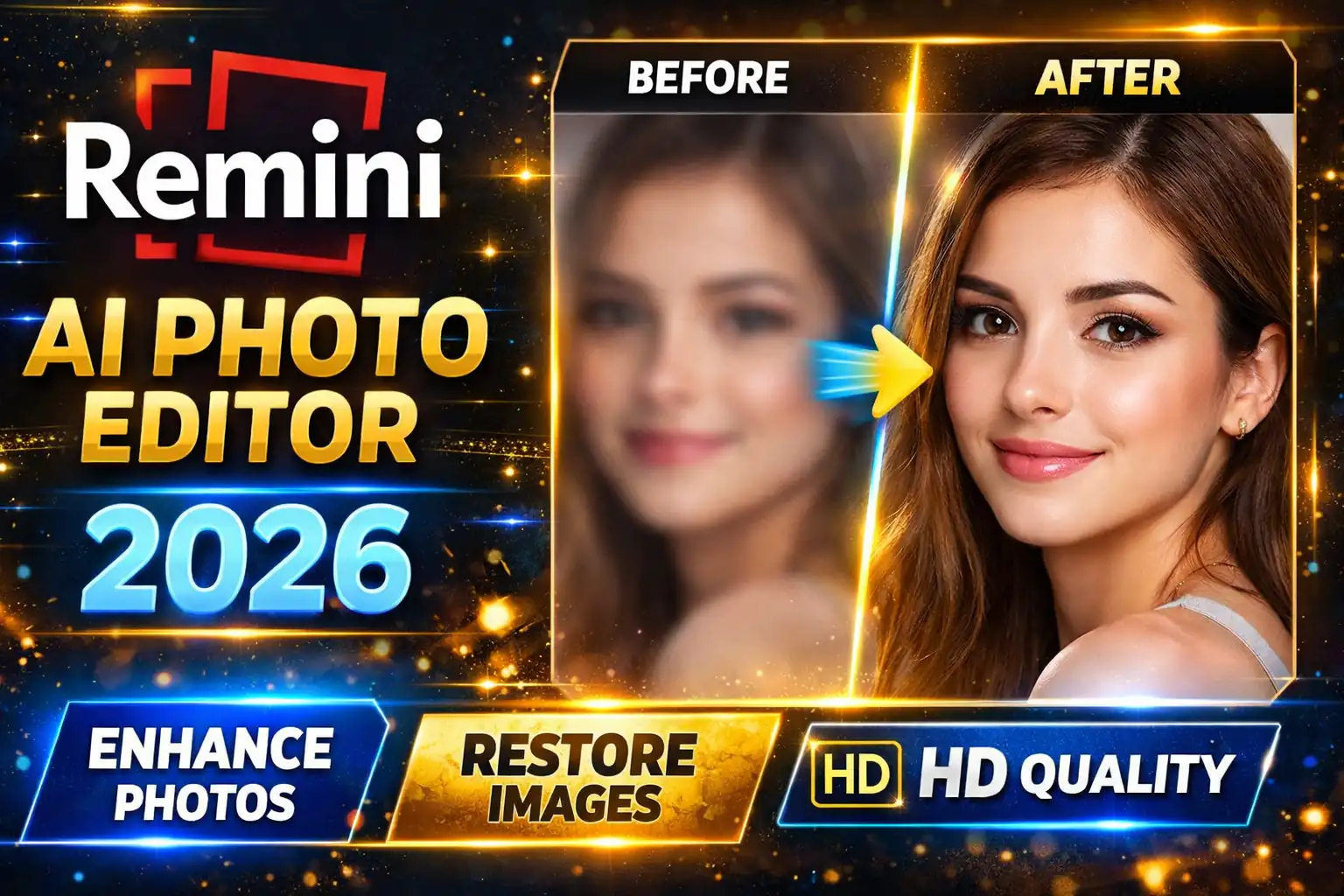
Frequently Asked Questions
You can convert a low quality image to HD by uploading your photo to an AI photo enhancer tool. The AI analyzes the image and reconstructs missing details to increase resolution and improve clarity.
Yes, modern AI image enhancement tools can sharpen blurry photos, improve facial details, and restore image textures by using deep learning models trained on millions of images.
Many AI tools can upscale images to HD, Full HD, or even 4K resolution while maintaining quality. These tools generate new pixels intelligently instead of stretching the image.
Some AI photo enhancer tools offer free image enhancement with basic features. Advanced features like batch processing or higher resolutions may require a premium plan.
AI can enhance portraits, selfies, old photographs, scanned images, and even low-resolution images downloaded from the internet by improving clarity and resolution.