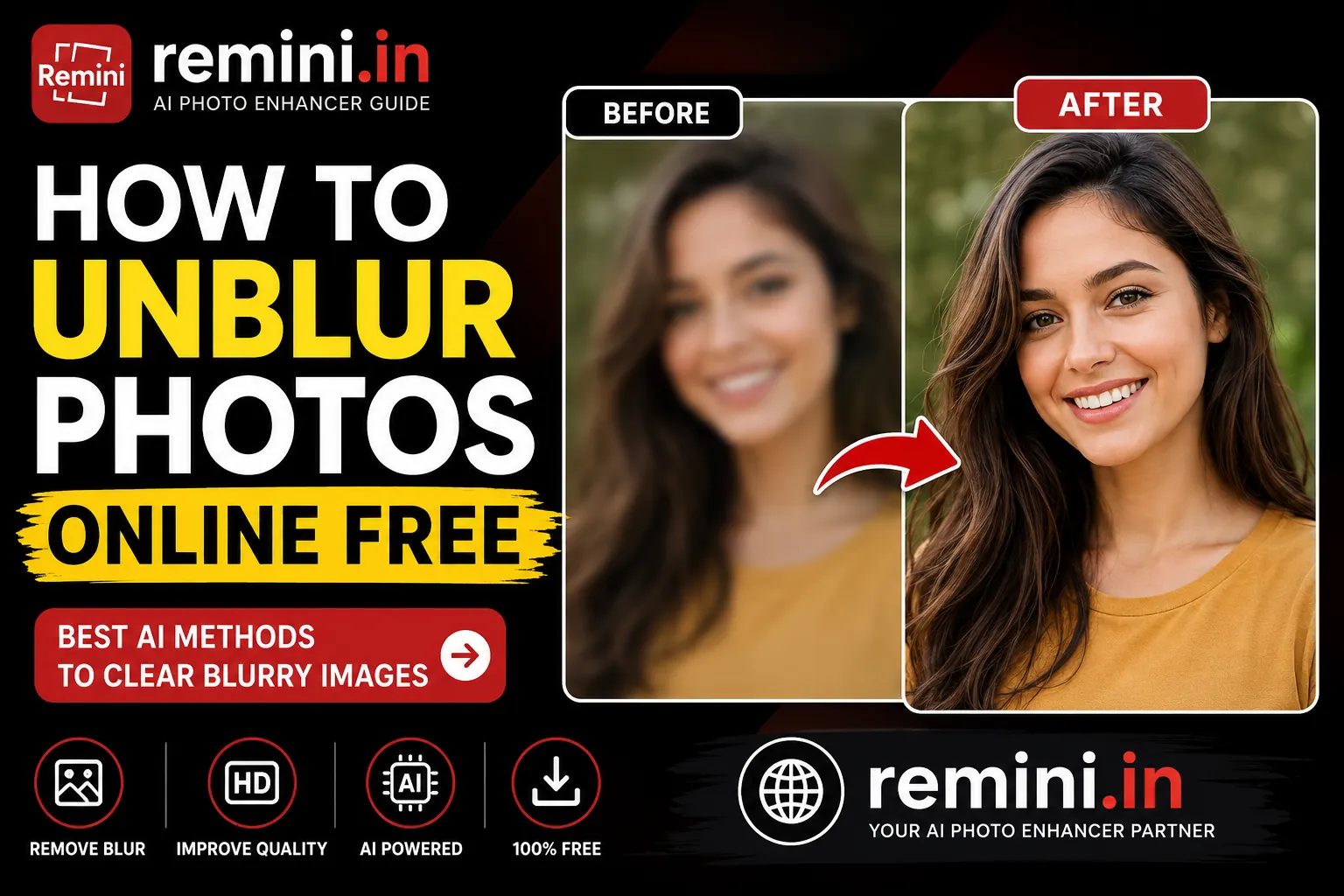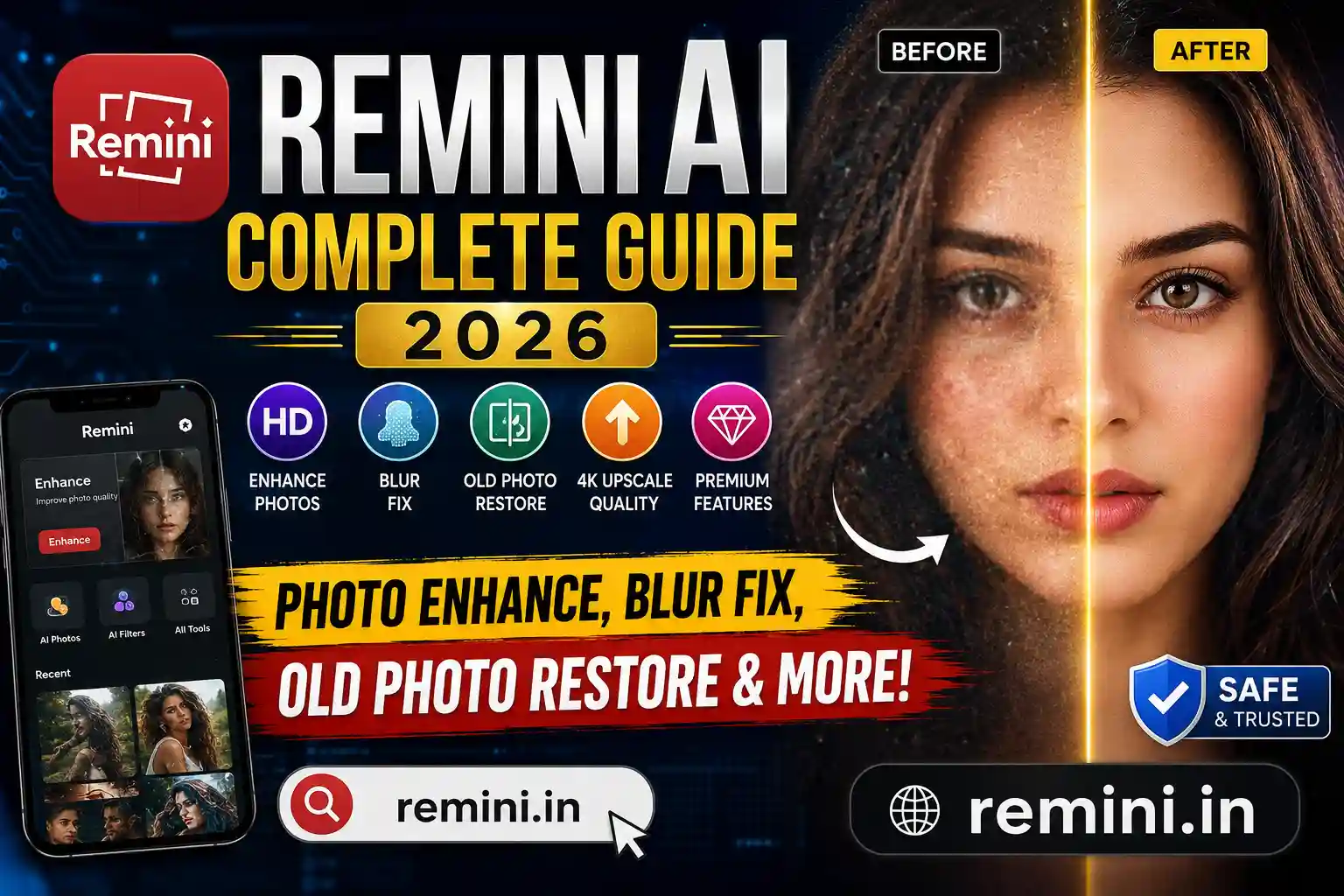
The Remini App Premium has become one of the most popular AI photo enhancement tools in 2026. Millions of users use it to restore old photos, sharpen blurry images, and convert low-quality pictures into high-definition masterpieces. But the big question remains: Is Remini App Premium really worth paying for?
In this detailed, real-world review, I will break down everything — features, pricing, performance, pros and cons, and whether you actually need the premium version or not.
🔹 What is Remini App? (Simple Explanation)
Remini is an AI-powered photo enhancement app that uses artificial intelligence to improve image quality. It can:
- Fix blurry photos
- Enhance old low-resolution pictures
- Restore damaged images
- Improve face details
- Upscale photo resolution
The app is available on both Android and iOS, and it offers both free and premium versions.
⭐ What is Remini App Premium?
Remini App Premium unlocks advanced AI processing, faster results, and higher-quality outputs compared to the free version. It removes most limitations and gives users a smoother experience.
Key Premium Features:
- Unlimited photo enhancements
- Faster processing speed
- No or fewer watermarks
- Better AI detail clarity
- Higher resolution output
- Priority processing in peak hours
If you edit photos regularly, premium feels much more practical than the free version.
💰 Remini Premium Price in India (2026)
The exact price may vary slightly based on offers, but here is a general idea:
- Monthly Plan: ₹299 – ₹399 approx
- Yearly Plan: ₹1,500 – ₹2,000 approx
- Weekly Plan: ₹149 – ₹199 approx
💡 Tip: The yearly plan is usually the most cost-effective if you use the app regularly.
🆓 Remini Free vs Premium – Direct Comparison
| Feature | Free Version | Remini App Premium |
|---|---|---|
| Daily uses | Limited | Unlimited |
| Processing speed | Slow | Fast |
| Watermark | Yes (often) | No / minimal |
| AI quality | Basic | Advanced |
| Ads | Yes | No |
| HD output | Sometimes limited | Fully available |
From a practical standpoint, if you edit only 1–2 photos occasionally, the free version may be enough. But for creators, photographers, or influencers, Remini App Premium makes a big difference.
📸 Real-Life Use Cases (Who Should Buy Premium?)
1. Content Creators
If you make Instagram reels, YouTube thumbnails, or social media posts, premium helps you get sharper images quickly.
2. Old Photo Restoration
Many people use Remini to restore family photos. Premium gives better clarity and detail.
3. Small Business Owners
Shop owners and online sellers can enhance product images without expensive software.
⚠️ Common Problems Users Face
Even with Remini App Premium, some users report:
- Over-sharpening of images
- Artificial-looking skin texture
- Occasional processing errors
- Slight color distortion
So, while the app is powerful, it is not perfect.
🤔 Is Remini App Premium Worth It in 2026? (Final Verdict)
✅ Yes, if you:
- Edit photos frequently
- Need high-quality AI enhancement
- Want faster results without ads
❌ No, if you:
- Use it rarely
- Are happy with free daily credits
- Don’t need professional-level output
My Honest Opinion:
For casual users, free is enough. For professionals or social media creators, Remini App Premium is worth it.
📲 How to Get Remini Premium Safely (Legal Way)
Do not use Mod APK or cracked versions. Instead:
- Download from Google Play Store or Apple App Store
- Use trial offers if available
- Subscribe to the yearly plan for best value
This keeps your phone safe and your account secure.
❓ FAQs
Yes, if downloaded from official app stores.
You can use limited features for free, but premium requires a subscription.
Yes, mostly or completely, depending on the plan.
Yes, it is one of the best AI tools for restoring old images.
Yes, you can cancel through Play Store or App Store settings.